What is Attendance Tracking Software? That Runs Itself
OfficePortal Attendance Tracking Software enables businesses to monitor employee attendance, shift schedules, biometric records, geofencing check-ins, and work hours in real time. The platform automatically connects attendance data with payroll, helping organizations reduce manual calculations and improve workforce accountability.
✓ No credit card required · Free for 5 users forever
Trusted by 5,100+ teams worldwide
What is Attendance Tracking Software?
Attendance management software is a program that keeps track of check-in and check-out of employees, manages shifts, manages attendance, and automatically feeds the data into payroll. This eliminates the need for manual records and calculations at the end of every month because everything becomes automated in a single application.


Consolidate Attendance Tracking Information
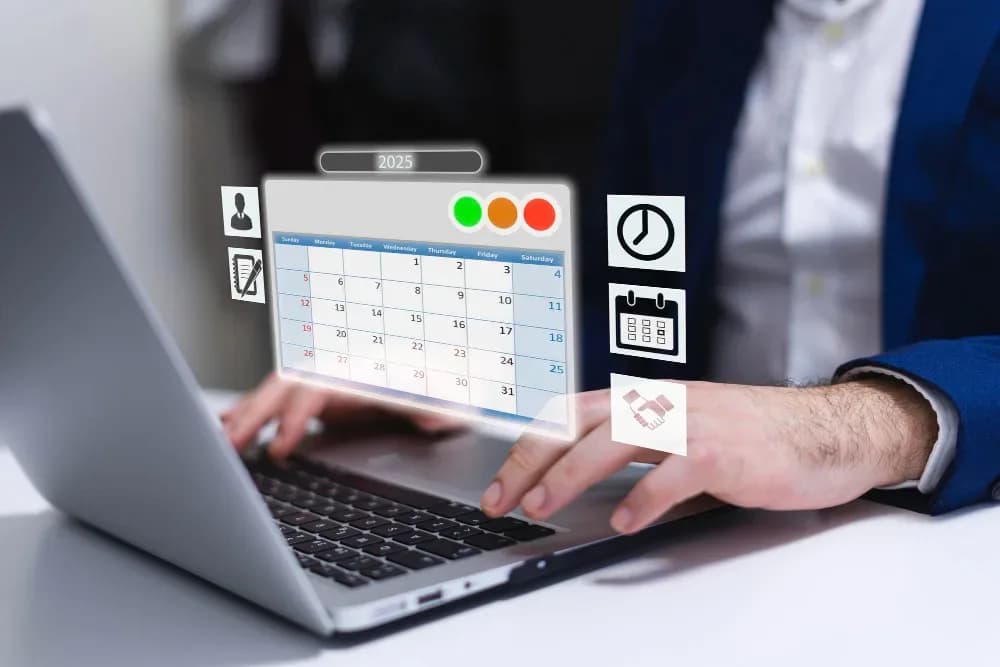
Have all details such as check-ins, check-outs, shifts, leaves, tardiness, and more, stored in one central location that can be accessed by HR personnel, managers, and even staff members without any communication at all.
Automate Attendance Process Flow
Have all activities related to check-ins, change in shifts, notifications of tardiness, submission of manual attendance applications, and automatic transfer of information to payroll done without requiring any effort.
Have Attendance Information in Real Time
Receive real-time data regarding who came in, is late, or is absent through live dashboards. This will make it unnecessary to wait for end-of-day reports and chase after team leaders for the information.
TOP FEATURES BY STAKEHOLDER
Built for Every Role in Your Organisation
OfficePortal is built around how HR teams, managers, and employees actually work day to day. Each role gets exactly what it needs without having to deal with features meant for someone else.
One settings panel covers everything
shift rules, check-in methods, biometric device setup, geo-fencing, and work area definitions. Set the rules once and the system applies them automatically from that point on.
Unlimited Custom Shift Types
Define any number of shift types your company requires — day shift, night shift, rotating shift or shifts unique to specific locations. Define a grace period for each shift type, define late arrival notifications, and even automatically mark late arrivals via SMS/email/mobile application.
Check-in Policy Customization
Determine how each group of employees should check-in – web, bio-metric, geo-fence using mobile, or selfies. Each group could have their own policy, and no programming or technical expertise is required to enable this option.
Seven Attendance Report Types
Pull any of seven ready-made reports whenever you need them. These include Employee Attendance, Entry and Exit, My Check-in and Check-out, Geo Check-in and Check-out, Manual Entry, Grace Period Non-Compliance, and Failed Geo Fence Check-in and Check-out. Every report is export-ready for payroll and audit purposes.

One settings panel covers everything
shift rules, check-in methods, biometric device setup, geo-fencing, and work area definitions. Set the rules once and the system applies them automatically from that point on.
Unlimited Custom Shift Types
Define any number of shift types your company requires — day shift, night shift, rotating shift or shifts unique to specific locations. Define a grace period for each shift type, define late arrival notifications, and even automatically mark late arrivals via SMS/email/mobile application.
Check-in Policy Customization
Determine how each group of employees should check-in – web, bio-metric, geo-fence using mobile, or selfies. Each group could have their own policy, and no programming or technical expertise is required to enable this option.
Seven Attendance Report Types
Pull any of seven ready-made reports whenever you need them. These include Employee Attendance, Entry and Exit, My Check-in and Check-out, Geo Check-in and Check-out, Manual Entry, Grace Period Non-Compliance, and Failed Geo Fence Check-in and Check-out. Every report is export-ready for payroll and audit purposes.
My Team Attendance Calendar
A single grid shows your entire team's attendance for the month — who was present, who was absent, and who was on a day off. It updates in real time so you are never working from yesterday's data.
My Team Shifts
See which shift each team member is scheduled for on any given day. Make adjustments yourself without raising a request to HR — the system updates immediately once you save the change.
Geo-Fencing Rules per Team
Apply location-based check-in rules at the team or department level. Set the zones your team is allowed to check in from and the system takes care of the rest, including flagging any check-ins that happen outside the approved boundary.
Work Area Assignment
Assign employees to specific work areas and track attendance relative to those zones. This is especially useful for multi-floor offices, warehouses, and campuses where different teams operate in different spaces.

My Attendance Dashboard
Employees get their own personal view showing their full monthly calendar, first-in and last-out times, total hours worked, and entry and exit records for any day. There is no need to email HR just to check your own attendance history.
My Shift View
Employees can see their own shift schedule, upcoming timings, and any changes made by their manager — from the mobile app or the web portal, at any time.
Multiple Check-in Methods
Employees use whichever check-in method the company has set for them — web, biometric device, geo-fenced mobile app, or selfie attendance. The method is determined by the company policy, not the employee's preference.
Manual Attendance Request
If an employee forgot to check in or had a technical issue, they can raise a manual attendance request through the app. It goes to their approver, gets recorded, and appears in the full audit trail.

Payroll Ready Attendance Report
Generate Employee Attendance Report, Entry Exit Report, and Manual Entry Report in one place. Check attendance records prior to payroll process and minimize any error or discrepancy. Generate reports at any point for payroll verification and audit purpose.
Overtime & Working Hour Visibility
Monitor check-in and check-out records of the employees in real time. Get the report on total working hours, attendance, and eligibility for overtime work. Use attendance report data to calculate payroll and plan the workforce.
Attendance Compliance Reporting
Check out Grace Period Non-Compliance report to know about lateness of the employees. Track the compliance to attendance policy by different departments and locations.
Geo Attendance Audit Report
Get Geo Check-in/Check-out report and Failed Geo Fence report for attendance compliance through geo-fencing. Make sure that your field force and remote workers check in only from authorized location.

Selfie Attendance with Liveness Detection
Employees check in by taking a selfie on their phone. The system matches their face in real time and uses liveness detection to confirm the photo is live and not from a saved image. Admins can turn this on for all employees or for specific individuals only.
- Face Recognition
- Liveness Detection
- Mobile Check-In
- Selfie Verification

Biometric Device Integration
Connect your existing biometric devices across one or several office locations. Attendance syncs the moment an employee clocks in. If a device goes offline, the records queue and sync automatically once the connection is restored. Back-dated data can also be imported during the initial setup.
- Real-Time Sync
- Multi-Location Support
- Offline Backup
- Data Import

Flexible Shift Management
Create any number of shifts with unique timings, grace period policies, and reminders. The system automatically marks late arrivals once the grace window closes. Managers handle shift changes directly without involving the HR team.
- Custom Shifts
- Grace Periods
- Late Tracking
- Shift Changes
Automated Attendance Tracking
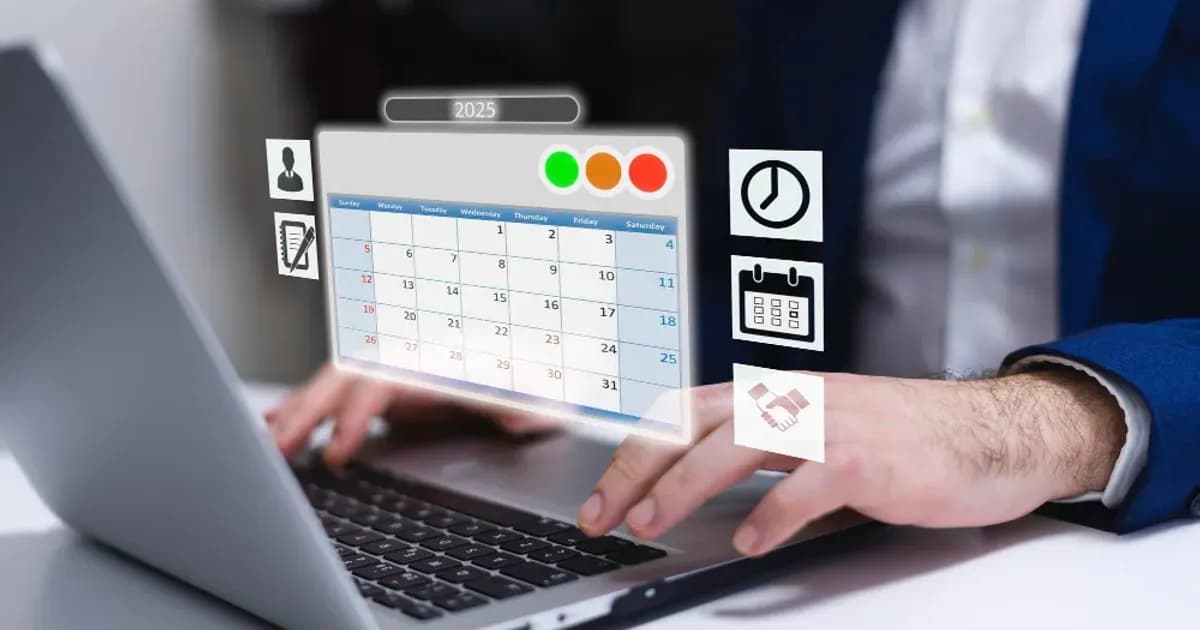
Pair the attendance module with OfficePortal's employee monitoring tool and attendance becomes completely automatic. The system detects work activity and logs attendance without requiring any manual check-in from the employee.
- Automatic Check-In
- Activity Tracking
- Real-Time Monitoring
- Accurate Records
Built for Modern Workforce Management
One Platform for ALL
Attendance Procedures All your activities related to check-ins and month-end attendance reports will be located within the single platform without need for switching and data loss.
Automatic Attendance Process
Handling Late check-ins, automatic reminders, manual applications for attendance, loss-of-pay calculation – all these activities will be handled by the system, which means that your HR specialists won't have anything to chase.
Cloud-Based Data Storage
Your attendance records and logs are stored in cloud databases, while role-based access allows only authorized personnel to view necessary information.
Device and Platform Independent
Works everywhere, anytime and using any device and platform you use for business management with OfficePortal solution.
Microsoft 365 Support
OfficePortal connects with Microsoft 365 so your existing workflow stays intact while attendance runs in the background.
Accurate Payroll Integration
Attendance data flows directly into payroll calculations, ensuring precise salary processing, overtime tracking, and deduction management with minimal manual effort.
Here are a few reasons to pick OfficePortal over other attendance tracking software.
Here's what sets us apart from every other HR management software on the market.
Free Forever for Small Teams
Always Free for Smaller Teams Free forever for up to 5 employees. No credit card, no time limit, no hidden terms. Grows with your team at Rs. 60 per user.
One Platform
Every Check-in Method in One Place Web, biometric, geo-fenced mobile, and selfie check-in all in one place. No extra apps needed.
Attendance and Payroll
Attendance and Payroll Together Records go straight into payroll. Loss-of-pay and overtime are sorted automatically in the same run.
One Platform
Works for Any Workforce Office, remote, or field. Geo-fencing, biometric, and mobile check-in cover everyone without extra setup.
Data Stays Safe
Your Data Stays Safe Encrypted with a unique key per company. Only the people you allow can access what they need.
Real Support
Real Support from Real People Actual humans answer your questions, not a ticket queue. Our customers rate this as their top reason for staying with us.
HR Teams Love OfficePortal
“We cut payroll time from 3 days to 2 hours. The compliance alerts alone are worth it.”
“Switching from spreadsheets was the easiest decision we made all year.”
“Our employees actually use it. That alone is a miracle.”
How OfficePortal compares
See why 1,000+ companies choose OfficePortal over other HRMS solutions.
| Feature | OfficePortal | Zoho People | greytHR | Keka |
|---|---|---|---|---|
| Free plan | Up to 5 users | 5 users (limited) | No | No |
| Manual Web Check-in / Check-out | ||||
| Biometric Check-in / Check-out | Add-on | Limited | ||
| Employee Attendance Dashboard | Add-on | |||
| Work Shift Configuration | ||||
| Employee Shift Scheduling | ||||
| Daily Attendance Report | ||||
| Team Entry & Exit Report | ||||
| Mobile app (Android + iOS) | ||||
| Manual Attendance Requisition | ||||
| Attendance Requisition Report | ||||
| Pay Period-Based Attendance Customization | ||||
| Attendance Export | ||||
| Push Notifications | ||||
| Mobile Attendance | ||||
| Late Coming & Early Leaving Rules | ||||
| Grace Time Configuration | ||||
| Attendance Regularization Workflow | ||||
| Geofencing Attendance | Add-on | |||
| Selfie Attendance | Add-on | |||
| Overtime (OT) Management | Add-on | |||
| Document encryption | Client-side AES-256 | Server-side | Server-side | Server-side |
| Starting price | Free / $4 | $75/mo | $42/mo | $84/mo |
Comparison based on publicly available information as of May 2026. Features and pricing may vary.
Ready to Automate Your Attendance Tracking Software?
Join 1,000+ companies that have replaced spreadsheets and email chains with OfficePortal's Attendance Tracking Software.
FAQ's
OfficePortal is ideal for small businesses, offering automated attendance tracking, leave management, shift scheduling, and payroll integration in one easy-to-use platform.
Yes. OfficePortal allows remote and field employees to mark attendance using mobile devices with GPS location tracking, giving managers real-time visibility into employee attendance from anywhere.
Yes. OfficePortal automatically syncs attendance records with payroll, helping businesses calculate working hours, overtime, and deductions accurately while reducing manual data entry.
OfficePortal supports multiple attendance methods, including biometric devices, mobile check-ins, web-based attendance, and GPS-enabled tracking, allowing businesses to choose what suits them best.
Automated attendance tracking saves time, minimizes manual errors, improves payroll accuracy, ensures compliance with attendance policies, and provides real-time reports for better workforce management.