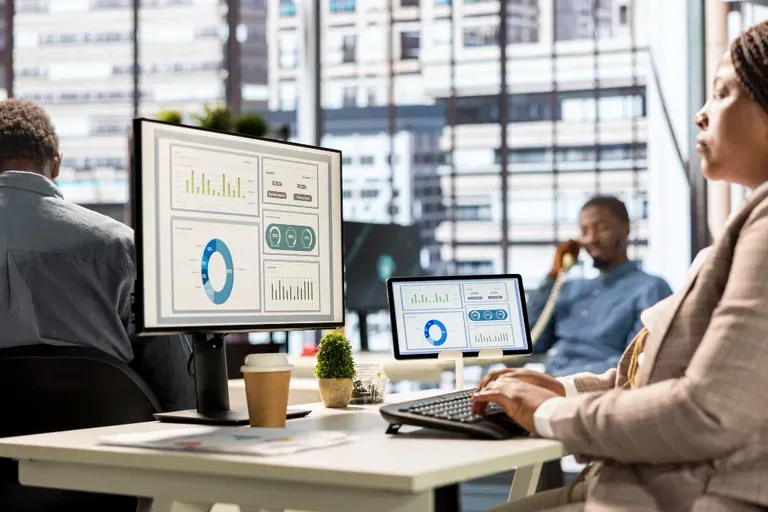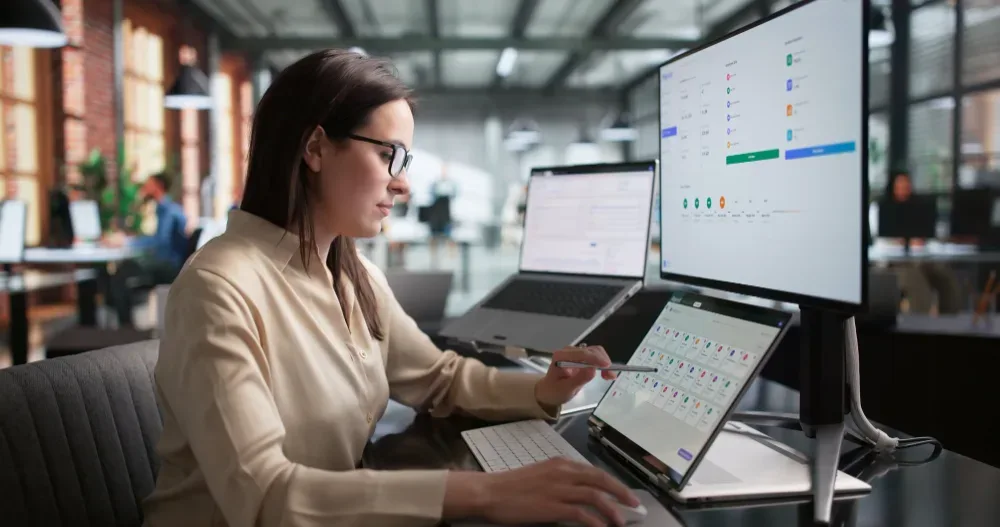
Employee Monitoring Software Features strengthens data protection mainly through four features: activity logging that flags unusual file access, screenshot or session recording for audit trails, alerts for risky behaviour like mass downloads or unauthorised app use, and role-based access controls that limit who can view sensitive data. Together, these features turn workplace monitoring software from a productivity tool into a genuine layer of defence against data leaks, whether accidental or deliberate. OfficePortal builds each of these into a single dashboard so security teams aren't stitching together separate systems to get the full picture.
Why Safety Belongs in the Monitoring Conversation
Employee monitoring is usually framed around productivity, but its security role is arguably more important. Data breaches caused by employees — through carelessness rather than malice — remain one of the most common causes of costly incidents. Good monitoring software catches the warning signs before they become headlines.
Try OfficePortal free for 5 users
All-in-one HRMS — attendance, payroll, leave and more. No credit card needed.
The Four Features
Feature 1: Anomaly-Based Activity Logging
Rather than logging everything indiscriminately, strong platforms flag behaviour that deviates from a user's normal pattern: an employee suddenly accessing files outside their usual folders, or logging in at unusual hours. OfficePortal's activity reports build a baseline per employee, making anomalies easier to spot without manual review of every log.
Feature 2: Screenshot and Session Capture
Visual records matter when investigating an incident after the fact. Screenshot-based monitoring provides a clear, timestamped trail of what was on-screen during a flagged event, which is far more useful in an investigation than text logs alone.
Feature 3: Real-Time Risk Alerts
Alerts for behaviours like mass file downloads, USB transfers, or access attempts to restricted systems let IT teams intervene while an incident is unfolding, rather than discovering it during a routine audit weeks later. This is one of the clearest ways employee computer activity monitoring shifts from reactive to preventative.
Feature 4: Role-Based Access Controls
Employee Monitoring data is itself sensitive. Restricting who can view it — so a line manager sees productivity summaries while only compliance or HR see raw session data — protects employee privacy and reduces the risk of the monitoring system becoming its own liability.
Where This Fits by Sector
Data protection weight varies by industry. Healthcare organisations handling patient records face stricter compliance obligations than most, while IT companies managing client codebases have their own confidentiality pressures. Choosing software with configurable data protection features, rather than a fixed feature set, tends to serve mixed-industry organisations best.
Building Trust Alongside Security
None of this works well if employees feel spied on rather than protected. Organisations that pair strong data protection features with clear, written monitoring policies see far better staff buy-in than those that roll out surveillance quietly.
Conclusion
Data protection shouldn't be an afterthought bolted onto a productivity tool — it should be built in from the start. OfficePortal brings anomaly-based logging, screenshot audit trails, real-time risk alerts, and role-based access controls together in a single dashboard, so your security team isn't juggling separate systems to get the full picture. See OfficePortal's security features in action and find out how they fit your existing data protection policy.

About the author
Kannan Chandrasekaran
Director@Awarious
Kannan Chandrasekaran is a Director and HR technology professional with expertise in HRMS, payroll, workforce management, and digital transformation. He shares practical insights to help businesses simplify and improve their HR operations.
Connect on LinkedIn