You Can't Manage What You Can't See. That's What Employee Monitoring Software Fixes
Officeportal Employee Monitoring Software tracks productivity, app usage, work hours, and attendance — across office, remote, and hybrid teams — so managers have real data instead of assumptions. OfficePortal classifies apps as productive, unproductive, or neutral, shows live work status, and connects everything to attendance and payroll. Free for up to 5 users.
✓ No credit card required · Free for 5 users forever

Trusted by 5,100+ teams worldwide
What is Employee Monitoring Software?
Employee Monitoring Software is a digital solution that helps Organisations track, manage, and analyze employee work activities, productivity, attendance, and performance. It provides managers with real-time insights into workforce operations, helping improve efficiency, accountability, and compliance while supporting better decision-making.

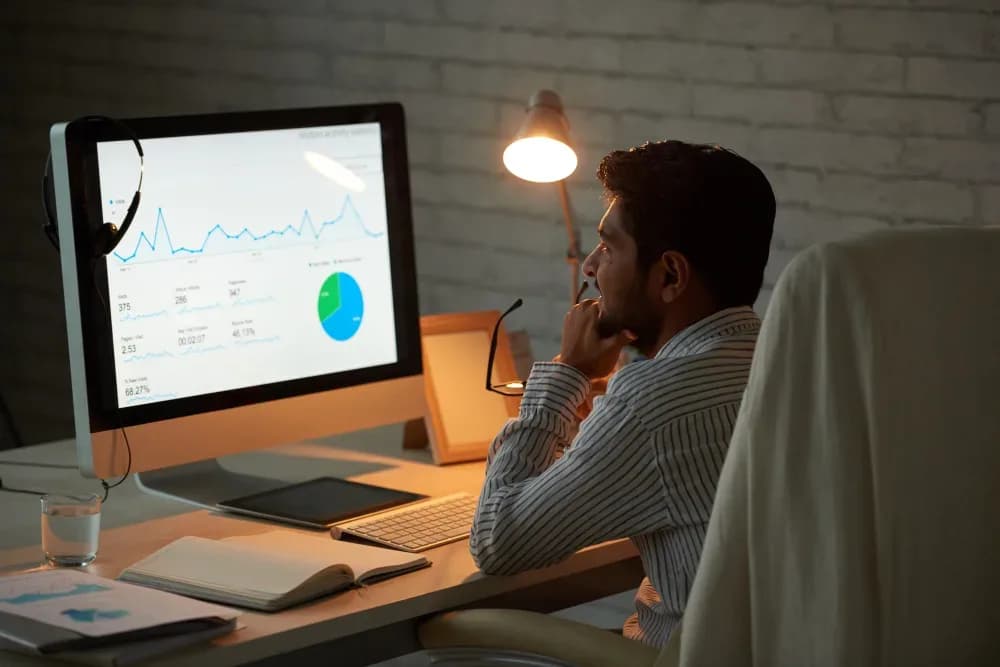

See Who's Working — and What They're Working On
App and website usage are tracked and classified as productive, unproductive, or neutral. Managers see real productivity scores — not just whether someone is logged in, but whether they're actually working.
Works for Office, Remote & Hybrid Teams
Whether your team is in one office, spread across cities, or a mix of both — OfficePortal gives you consistent visibility across the board. Remote employees are tracked the same way as office staff.
Monitoring that Respects Privacy and Is Transparent
Work activities, screenshots, and keystrokes are monitored by OfficePortal to enable Organisation's to measure productivity and performance of their employees. The sensitive information, including passwords and protected fields, will not be monitored.
TOP FEATURES BY STAKEHOLDER
Built for Everyone Who Needs Workforce Visibility
HR leaders, operations managers, and finance teams all need different things from Employee Monitoring Software. OfficePortal covers all of them on one platform.
Productivity Classification Rules
Map which apps and websites count as productive for your organisation. OfficePortal applies those rules consistently across every employee — no manual classification at the end of each month.
Employee Banding & Rating Systems
Use 5-point or 10-point rating scales. Group employees into performance bands — Exceeds, Meets, Below — and tie band outcomes directly to increment and promotion workflows.
Monitoring Insights for Performance Appraisals
The manager can use the productivity, attendance information, and work activity insight obtained through the monitoring module when carrying out performance reviews of employees. It is much easier to conduct appraisals based on actual work information.
Secure Monitoring Data Storage
OfficePortal stores monitoring data securely with controlled access permissions and organisation-level visibility settings. Administrators can manage who has access to screenshots, activity logs, and monitoring reports while helping maintain data privacy across teams.

Productivity Classification Rules
Map which apps and websites count as productive for your organisation. OfficePortal applies those rules consistently across every employee — no manual classification at the end of each month.
Employee Banding & Rating Systems
Use 5-point or 10-point rating scales. Group employees into performance bands — Exceeds, Meets, Below — and tie band outcomes directly to increment and promotion workflows.
Monitoring Insights for Performance Appraisals
The manager can use the productivity, attendance information, and work activity insight obtained through the monitoring module when carrying out performance reviews of employees. It is much easier to conduct appraisals based on actual work information.
Secure Monitoring Data Storage
OfficePortal stores monitoring data securely with controlled access permissions and organisation-level visibility settings. Administrators can manage who has access to screenshots, activity logs, and monitoring reports while helping maintain data privacy across teams.
Live Work Status Dashboard
See which team members are currently active, idle, or offline — in real time. Especially useful for remote teams where you can't physically see who's at their desk and who's gone quiet.
Individual Productivity Scores
Each employee gets a daily and weekly productivity score based on classified app usage. When output drops, you can see whether it's because they're working on the wrong things — or barely working at all.
Work Hour Tracking
Actual hours worked — not just login times. OfficePortal tracks active working time versus idle time, so you know whether someone clocked in for eight hours but was actually productive for four.
Weekly & Monthly Trend Reports
Spot patterns over time — not just today's snapshot. See which team members consistently perform at a high level, and which ones have productivity that rises and falls for no clear reason.

App & Website Usage Logs
See a full breakdown of which applications each employee uses during work hours — categorised by type. Identify whether company tools are actually being used or ignored in favour of something else.
Unproductive Activity Alerts
Get flagged when an employee's unproductive activity crosses a threshold you define. Address the issue before it becomes a performance problem — not three months later when you're doing an annual review.
Role-Based Data Access
Control exactly who can see monitoring data and at what level. Team managers see their team. Department heads see their department. HR sees everything. No one has access they shouldn't have.
Export-Ready Activity Reports
Pull monitoring reports for any employee, team, or date range — formatted and ready to export. Useful for compliance audits, client billing, or workforce planning presentations.

Work Hours Sync to Payroll
Actual hours tracked by the monitoring module feed directly into payroll calculations. No manual timesheet collection, no HR re-entering data from a spreadsheet — hours worked are hours paid, automatically.
Department-wise Productivity Insights
Along with individual productivity data, get a clear view of department-wise productivity across the organisation. This helps payroll and finance teams analyse overall attendance efficiency and working hours at a departmental level. It also supports accurate payroll processing, workforce planning, and data-driven decision-making.
Accurate Overtime Calculation
Overtime is calculated from actual worked hours — not from what someone self-reported on a timesheet. If they worked the hours, the data shows it. If they didn't, that shows too.
Compliance-Ready Time Records
Every work session is logged with timestamps. If you're ever audited on hours worked or payroll accuracy, you have a complete, verifiable record ready to export — no scrambling through emails or paper logs.


Employee productivity is more than just login hours
Employee productivity is more than just login hours. OfficePortal's monitoring tracks what employees actually do during work hours—which apps they use, how long they spend on productive vs. unproductive activities, and whether their output matches their hours. This helps managers gain accurate insights into employee productivity and workflow.
- App Usage Tracking
- Productivity Analysis
- Activity Monitoring
- Performance Insights

Remote Monitoring That's Fair and Transparent
Your remote employees shouldn't be treated differently to office staff — in either direction. OfficePortal monitors remote teams the same way it monitors office teams, giving you one consistent picture regardless of where people work. Employees know it's there. Nothing is hidden.
- Remote Workforce Visibility
- Transparent Monitoring
- Unified Tracking
- Team Accountability

Attendance Tracked Automatically — No Manual Check-In Required
For employees using the monitoring tool, attendance can be tracked automatically based on active work time — no manual check-in needed. If someone starts working, they're marked present. This removes a friction point for remote staff and keeps attendance data accurate without relying on self-reporting.
- Automatic Attendance
- Active Time Tracking
- Real-Time Presence
- Accurate Records
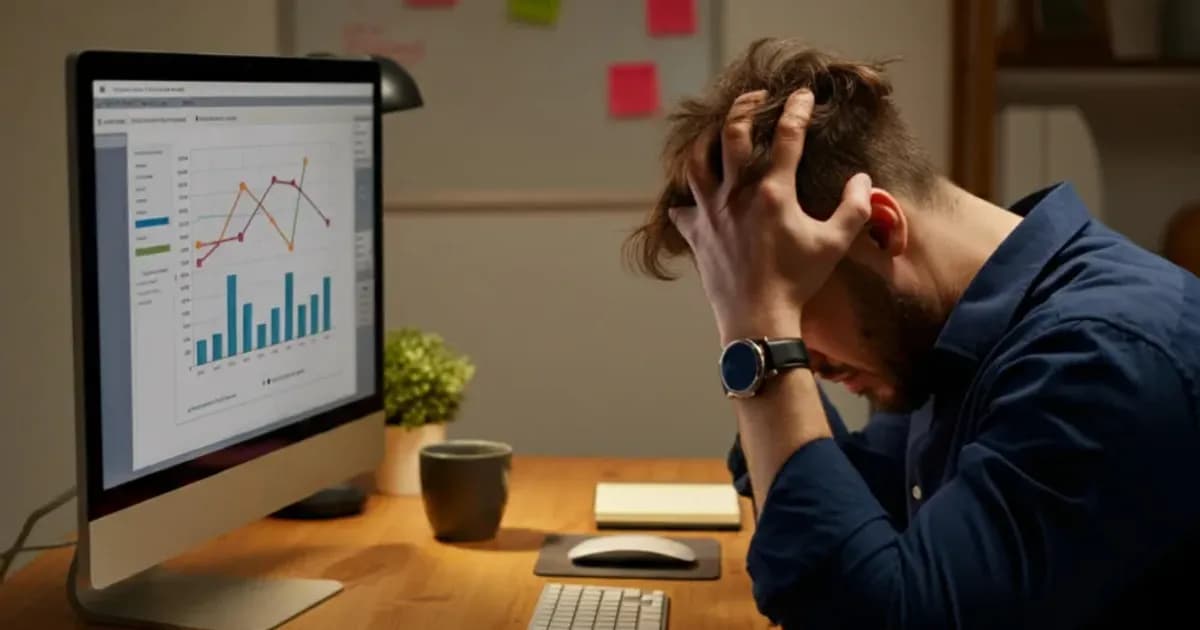
Productivity Alerts Before Problems Get Serious
Set thresholds for unproductive time, idle hours, or missed work windows. OfficePortal flags the issue automatically — you get a notification, not a surprise during an annual review. Deal with performance issues early, when a conversation can still change the outcome.
- Productivity Alerts
- Idle Time Detection
- Performance Notifications
- Early Issue Resolution
What Actually Changes When You Use OfficePortal for Employee Monitoring Software
Improve productivity, accountability, and workforce visibility with real-time employee monitoring.
Increased Employee Productivity
Track work activities and performance trends to help employees stay focused and achieve goals efficiently.
Real-Time Workforce Visibility
Gain instant insights into employee attendance, work hours, and activity levels from a centralised dashboard.
Improved Accountability
Encourage transparency by maintaining accurate records of employee tasks, attendance, and performance.
Data-Driven Performance Insights
Use detailed reports and analytics to identify strengths, address challenges, and support employee development.
Better Remote Team Management
Monitor remote and hybrid employees effectively with cloud-based access and real-time tracking capabilities.
Enhanced Operational Efficiency
Reduce manual supervision, automate monitoring processes, and optimize workforce management across the organization.
There are Employee Monitoring Software tools that just watch people. OfficePortal actually helps you manage them better. Here's the difference.
Here's what sets us apart from every other Employee Monitoring Software on the market.
Free to Start — Actually Free
Up to 5 users, permanently. Full Employee Monitoring Software features, no credit card, no trial period, no reduced functionality. If you need more than 5 users, it's ₹60/user — and that's it.
Employee Monitoring Software That's Part of Your HRMS — Not a Separate Tool
Most monitoring tools exist in isolation. OfficePortal's monitoring module is part of the same platform as payroll, leave, attendance, and performance. Everything connects. Data flows between modules without any manual work.
Privacy First Approach to Design
OfficePortal Employee Monitoring Software offers features that combine productivity monitoring and privacy-first features. With options to take screenshots, track activities, and optionally record keystrokes, organizations can monitor their employees’ activity, while at the same time avoiding capturing any sensitive data such as passwords.
Configurable Productivity Rules for Your Business
What's productive for a developer is different from what's productive for a sales rep. OfficePortal Employee Monitoring Software lets you define productivity classification rules per role or team — so the data actually reflects the work, not a generic template.
Works for Any Work Model
Office, remote, hybrid, field teams — OfficePortal's Employee Monitoring Software adapts to how your people actually work. You get consistent visibility across every model without maintaining separate systems for each one.
Support That Responds When You Need It
Employee Monitoring Software touches sensitive operational data. When something's wrong or you have questions, you need someone who actually picks up. Our customers consistently rate OfficePortal's support as a key reason they stay.
HR Teams Love OfficePortal
“We have been using OfficePortal for HRMS and employee management. Attendance, leave, payroll, and employee monitoring are all integrated into one system. This has reduced our manual work and improved HR efficiency. ”
“OfficePortal offers a clean and intuitive interface, making navigation easy for daily tasks. The centralized dashboard, quick access to reports, and smooth coordination between team members significantly improve productivity and reduce communication gaps. ”
“OfficePortal Monitoring module has made employee performance tracking very easy for our organization. The user interface is clean and designed in such a way that even with a large team, the system remains fast and easy to use. The productivity reports and activity tracking features help our management team make better decisions. ”
How OfficePortal compares
See why 1,000+ companies choose OfficePortal over other Employee Monitoring Software Solutions.
| Feature | OfficePortal | ActivTrak | Teramind | Insightful |
|---|---|---|---|---|
| Free plan | Up to 5 users | 3 users | No | No |
| Individual Daily Productivity | ||||
| Date Range Productivity Analysis | Add-on | Limited | ||
| Most Used Applications & Websites | Add-on | |||
| Application & Website Usage Time | ||||
| Complete Application & Website Activity Log | ||||
| Real-Time Activity Monitoring | Client-side AES-256 | Server-side | Server-side | Server-side |
| Mobile app (Android + iOS) | ||||
| Live User Status | ||||
| Daily Team Productivity | ||||
| Date Range Team Productivity Analysis | ||||
| Productivity Dashboard on Mobile App | ||||
| Team-wise Application & Website Usage | ||||
| Top Performers Dashboard | ||||
| Need Attention Dashboard | ||||
| Application Productivity Classification | ||||
| Custom Date Filter | ||||
| Application Productivity Classification | ||||
| Custom Date Filter | ||||
| Export Productivity Reports | ||||
| Automatic Screenshot Capture | ||||
| Keystroke Activity Capture | ||||
| Configurable Email Reports | ||||
| Starting price | Free / $4 | $19/mo | $35/mo | $16/mo |
Comparison based on publicly available information as of March 2026. Features and pricing may vary.
Ready to Finally See What Your Team Is Actually Working On?
Join 1,000+ companies that replaced guesswork with real productivity data — and built better teams because of it.
FAQ's
Employee monitoring software helps businesses track productivity, monitor work activities, improve accountability, and optimize workforce performance. OfficePortal Employee Monitoring Software provides real-time productivity insights, app usage tracking, and attendance visibility to help Organisations manage teams more efficiently.
Small businesses need employee monitoring software that is affordable, easy to use, and supports productivity tracking, attendance monitoring, and remote workforce management. OfficePortal offers an all-in-one employee monitoring solution designed for startups and growing businesses with flexible workforce management features.
Remote teams should choose employee monitoring software that includes real-time activity tracking, attendance monitoring, productivity reports, mobile access, and secure cloud-based management. OfficePortal helps remote and hybrid teams monitor employee productivity without micromanagement using Centralised dashboards and work insights.
Top employee monitoring solutions typically include productivity analytics, attendance tracking, app usage reports, timesheets, and workforce insights. OfficePortal combines employee monitoring, attendance management, productivity tracking, and HRMS features within a single platform for complete workforce visibility.
Yes, startups in India can choose affordable employee monitoring software that supports attendance tracking, productivity monitoring, and remote workforce management without high implementation costs. OfficePortal provides cost-effective HRMS and employee monitoring solutions suitable for startups and small businesses.
Cloud-based employee monitoring solutions provide Centralised access to productivity reports, attendance tracking, workforce analytics, and remote employee management from any device. OfficePortal stands out by combining employee monitoring, payroll, attendance, leave management, and performance tracking into one unified HRMS platform.
Reference Pages
Computer Employee Monitoring Software for Employees
GPS Tracking Software for Employee Location Monitoring
Top 5 Best Employee Monitoring Software in 2026
Employee Management Software