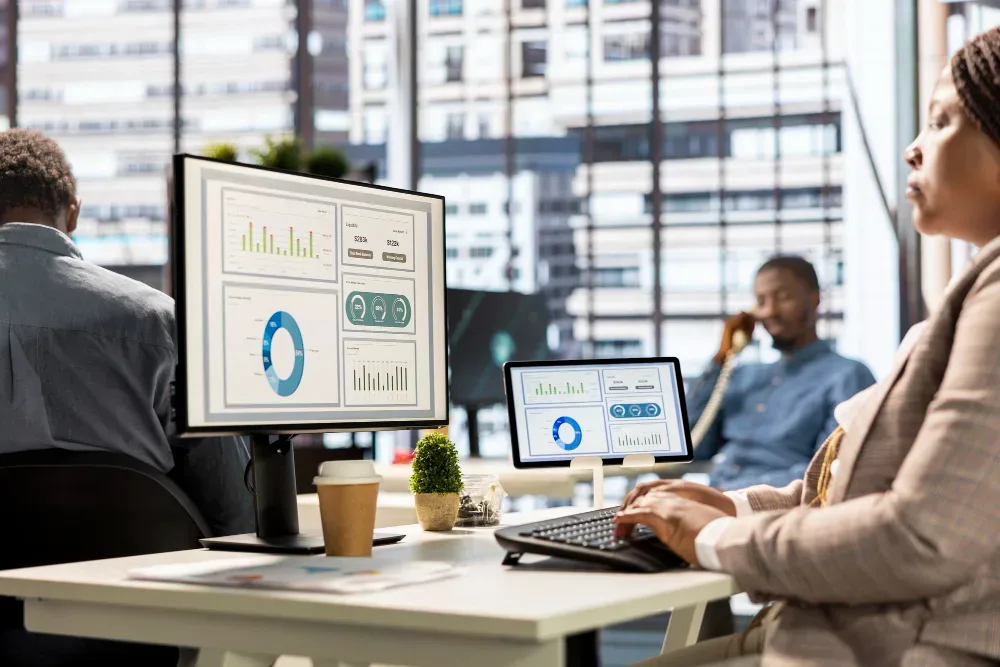
The best Computer Employee Monitoring Software in 2026 combines accurate time tracking, activity and app usage reports, screenshot or screen-recording options, and clear data protection controls, without slowing down the devices staff use every day. OfficePortal sits at the top of most shortlists this year because it pairs granular activity tracking with configurable privacy settings, letting organisations monitor productivity trends without capturing more than they need. Other strong choices vary by team size, industry, and whether staff work on-site, remotely, or in a hybrid pattern, so the right pick depends on what a business actually needs to see.
Why This List Matters Now
Buying Top 10 Employee Monitoring Software tools used to mean choosing between "does everything" and "does it simply." That trade-off has mostly disappeared. Modern computer monitoring software is built to be selective: track what affects output and cost, skip what doesn't, and keep the whole thing legally defensible. Below is a practical rundown of ten options worth shortlisting, with a closer look at where OfficePortal fits.
Try OfficePortal free for 5 users
All-in-one HRMS — attendance, payroll, leave and more. No credit card needed.
The Shortlist
1. OfficePortal
Built for organisations that want both breadth and control. It covers time tracking, activity reports, and screenshot capture, alongside role-based visibility so managers only see what's relevant to their team. Particularly strong for remote and hybrid workforces.
2. Hubstaff
Hubstaff is best known for remote team time tracking paired with screenshot capture, making it a common choice for distributed teams that bill clients by the hour.
3. ActivTrak
ActivTrak positions itself around privacy-first workforce analytics, favouring behavioural trend reporting over granular surveillance, which suits organisations wary of heavy-handed tracking.
4. Teramind
Teramind stands out for enterprise security, offering data loss prevention, email monitoring, and insider threat detection that go beyond typical productivity tracking.
5. Time Doctor
Time Doctor focuses on keeping employees productive through automated nudges and distraction alerts, alongside time tracking built for billing and payroll, and is a frequent pick for agencies managing freelance or contract staff.
6. Insightful
Insightful offers both visible and stealth monitoring modes with AI-driven automatic time categorisation, and its real-time dashboard and productivity scoring are popular for hybrid work environments.
7. DeskTime
DeskTime automates time tracking entirely, with no manual timers, and its standout feature is a "private time" mode that lets employees go off the record for personal breaks.
8. Monitask
Monitask delivers core monitoring features — screenshots, activity tracking, and web usage — at a competitive price, with integrations for popular project management tools.
9. CurrentWare
CurrentWare is a modular platform combining activity monitoring with endpoint security, packaging web filtering, application blocking, and USB device control alongside its core tracking, which appeals to IT teams wanting fewer separate tools.
10. Kickidler
Kickidler is built around visual monitoring, capable of showing an unlimited number of employee screens at once with detailed activity reporting, and is often deployed on-premise rather than in the cloud.
Most of these differ less on core features and more on reporting depth, integration options, and how transparently they handle employee data — which is why matching the tool to your specific priorities matters more than chasing the longest feature list.
What Separates the Top Tier
Three things tend to separate genuinely useful software from the rest:
Signal Over Noise
Good platforms surface patterns (idle time trends, app usage by role) rather than dumping raw logs on managers.
Configurable Depth
The best tools let you dial monitoring up or down by team, so a finance department under compliance pressure and a creative team with more autonomy aren't monitored identically. OfficePortal's productivity dashboard is designed around this point, letting admins set different monitoring depths across departments from one console.
Transparent Policies
Software that supports clear employee-facing communication about what's tracked, and why, tends to see far less pushback.
Industries Where This Matters Most
Monitoring needs differ sharply by sector. BPOs and call centres often need granular, per-call activity data, while IT and software teams tend to prioritise project and app-usage tracking over screenshots. Matching the tool to the sector, rather than adopting a one-size-fits-all setup, is usually where ROI comes from.
Choosing From the List
Start by identifying what problem you're actually solving — under-reported hours, unclear remote productivity, or compliance requirements — before comparing feature lists. A tool with fifty features you don't use isn't better than one with the eight you do.
Conclusion
Of the ten platforms on this list, OfficePortal is built specifically around the balance most organisations are actually looking for: enough visibility to make informed decisions, without the blanket surveillance that erodes trust. Its configurable privacy settings, role-based reporting, and remote-ready design mean you're not stuck choosing between "does everything" and "does it simply." Start a free trial of OfficePortal to see how it compares against your current shortlist.

About the author
Kasi Rajan C
Senior SEO Analyst
Kasi Rajan is a Senior SEO Analyst specializing in SEO, AEO, GEO, content strategy, and digital marketing. He shares practical insights to help businesses improve search visibility, strengthen online presence, and drive organic growth.
Connect on LinkedIn