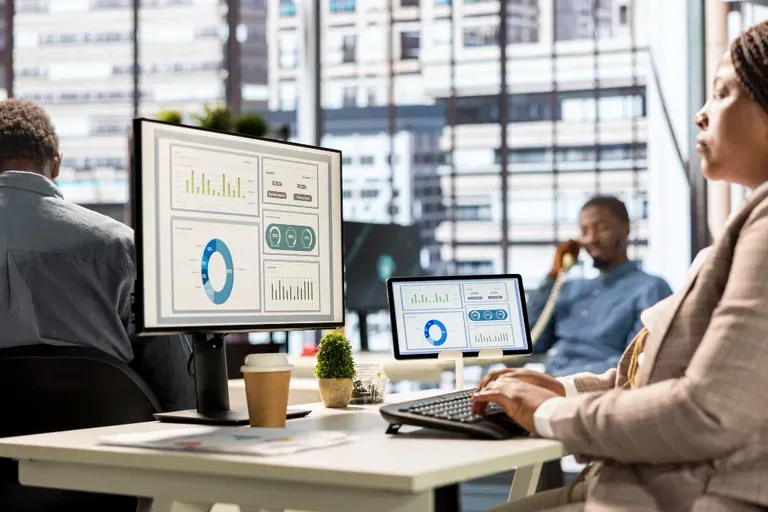
How to Monitor Employees Computer Activity -Employee Monitoring Software computer activity well is less about the software you pick and more about the process you build around it. The same tool can be implemented thoughtfully or carelessly, and the outcome — genuine visibility versus a trust problem — depends almost entirely on how the rollout happens.
Step 1: Decide what you're actually trying to learn
Before switching anything on, get specific about the goal: are you trying to verify billed hours, identify workload imbalance, or improve remote team visibility? Vague goals like "better productivity" lead to vague, unfocused monitoring that collects data nobody ends up using well.
Step 2: Tell employees before you turn it on
This is the single most important step for remote employee monitoring and office-based monitoring alike. Explain what's being tracked, why, and how the data will be used — framed around fairness and visibility, not suspicion. Skipping this step is the most common cause of monitoring backfiring.
Try OfficePortal free for 5 users
All-in-one HRMS — attendance, payroll, leave and more. No credit card needed.
Step 3: Set role-specific productivity rules
Define what counts as productive activity per role, not as one company-wide list. A generic rule set will misclassify legitimate work for at least some roles, undermining the accuracy of everything built on top of it.
Step 4: Choose what level of detail you actually need
Basic activity and app usage tracking covers most needs. Screenshot capture and keystroke tracking add more detail but also more sensitivity — reserve them for roles or situations where the extra visibility genuinely matters, rather than enabling every available feature by default.
Step 5: Give employees visibility into their own data
Letting employees see the same activity data their manager sees is one of the simplest ways to keep monitoring from feeling one-directional. It also catches misclassification errors faster, since the employee affected notices immediately.
Step 6: Use the data to start conversations, not verdicts
A dip in someone's productivity score is a prompt to check in, not an automatic conclusion. The value of monitoring comes from what a manager does with the data, not from the data existing on its own.
How OfficePortal supports this process
OfficePortal's employee monitoring software is built around exactly this sequence — configurable productivity rules per role, employee-visible data, role-based manager access, and client-side encryption on everything tracked. It's free for up to 5 users, which makes it practical to pilot this whole process with a small team before rolling it out further.
Start free with OfficePortal →
Reference Pages
Computer Employee Monitoring Software for Employees
How to Monitor a Computer for Work
The Best Computer Monitoring Software for Enterprises?
How to Categorize Employee Computer Activities?
Computer Tracking Software: A Blessing or a Curse?

About the author
Kannan Chandrasekaran
Director@Awarious
Kannan Chandrasekaran is a Director and HR technology professional with expertise in HRMS, payroll, workforce management, and digital transformation. He shares practical insights to help businesses simplify and improve their HR operations.
Connect on LinkedIn