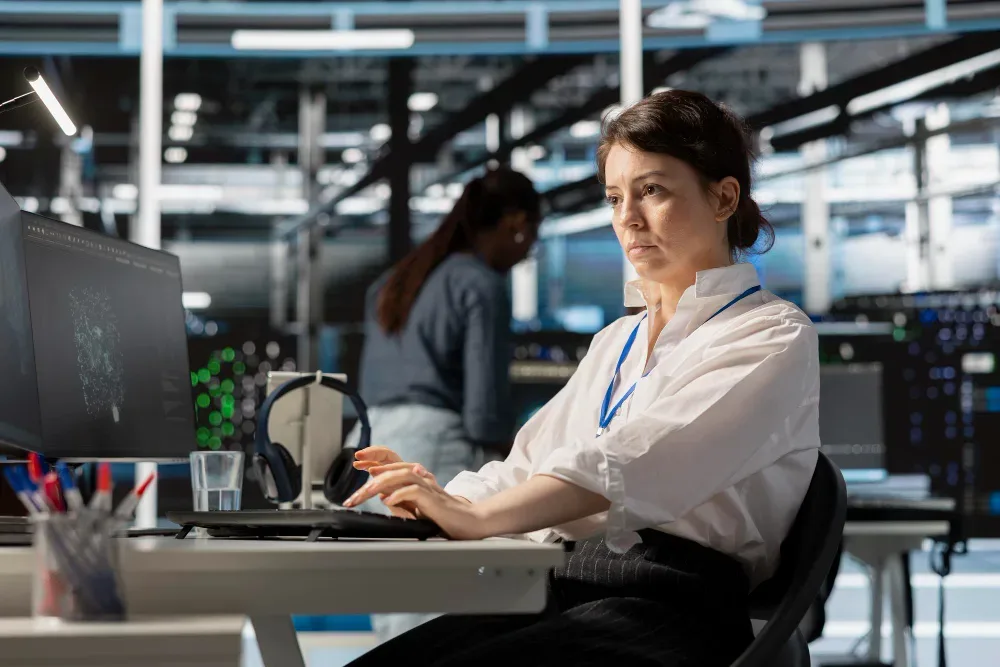
Managing a team used to be simple in one specific way: you could see people. You'd walk past a desk and know, roughly, whether someone was heads-down or checked out for the afternoon. Hybrid work took that away, and most managers never got a proper replacement for it. They just learned to live without it, or started asking for status updates that told them nothing useful.
Computer employee monitoring software grew out of that gap. Not as a replacement for trust, but as a way to get some of that lost visibility back — app usage, active hours, productivity trends — without requiring someone to physically check in on every person, every day. This guide covers what these tools actually do, why more companies are adopting them heading into 2026, and how to pick one without making your team feel like they're being watched for the sake of it.
What is Computer employee monitoring software, exactly?
At its core, it's software that tracks how employees use their work devices during working hours — which apps and websites they're in, how long they're actively engaged versus idle, and, on some platforms, screenshots or keystroke logs. The point isn't catching people slacking off. It's replacing guesswork with something closer to a real picture of how work happens.
Most platforms sold in 2026 do more than log raw time. They apply rules you set to classify activity as productive, unproductive, or neutral, then roll that into scores a manager can actually read at a glance. A few go further and flag things a human reviewer would likely miss on their own — a team member whose output has been sliding for three weeks straight, or a department where time spent on non-work sites spikes every Friday afternoon.
How the software actually works
The software installs as a small client on a company device, or sometimes as a browser extension, and runs quietly in the background from that point on. What it captures depends on the platform and how your team configures it, but the common building blocks are:
- Active vs. idle time, measured through keyboard and mouse input
- App and website usage, sorted automatically or by rules you write yourself
- Screenshots, taken at whatever interval you set
- Attendance, worked out from when active tracking starts and stops
- Keystroke activity, on the platforms that offer it — usually with password fields and similar sensitive inputs excluded by design
That data lands on a dashboard managers and HR can check whenever they need to, or get delivered as scheduled reports. The tools worth paying for let you adjust nearly every setting: screenshot frequency, which apps count as productive for a given role, who has visibility into whose activity, what triggers an alert.
One thing worth saying plainly: how the rollout is handled matters as much as which software you pick. Teams that get told what's being tracked, and can see their own numbers, tend to accept Computer monitoring without much friction. Teams that discover it after the fact, running silently in the background, usually don't. Build that transparency in from day one, whichever tool you go with.
Why this matters more heading into 2026
A handful of trends have pushed monitoring from optional to close-to-standard practice, at least for companies with any remote or hybrid staff.
Distributed work stuck around. Gartner's digital workplace research has put the share of knowledge workers operating hybrid or fully remote at over half by 2026, and Owl Labs' hybrid work survey found that most employees say their employer already uses some kind of tracking software. Once a team isn't sharing a physical space, the visibility that used to come free with an office has to be built on purpose.
Compliance stopped being optional in a lot of industries. Finance, healthcare, and BPO firms in particular are under more regulatory scrutiny than they were even two years ago, and monitoring platforms with audit trails and access controls built in have become part of how organizations actually demonstrate they're meeting standards like GDPR or HIPAA — not just claiming they do on a compliance form.
AI changed what "reviewing the data" means. A manager used to have to sift through raw activity logs by hand. Now a growing share of platforms use AI to flag anomalies and summarize trends automatically, which is a big part of why adoption of AI-powered workforce analytics has climbed so quickly over the past couple of years.
Skipping monitoring has a cost, too. Time theft, unmanaged idle hours, and employees quietly relying on apps IT never approved are all easier to catch with monitoring data than without it — and for distributed teams especially, that data is frequently the only reliable signal a manager has.
Try OfficePortal free for 5 users
All-in-one HRMS — attendance, payroll, leave and more. No credit card needed.
The different types of Computer monitoring software
Not every tool in this space does the same job. Roughly, they split into:
Time & attendance tracking covers clock-in/out, hours worked, and timesheets — the fit for hourly teams that mostly care about payroll accuracy.
Activity & productivity monitoring looks at app and website usage, idle time, and productivity scoring. This is the category most remote and hybrid teams actually need.
Screen & keystroke monitoring goes further, with screenshots, screen recording, and keystroke logs. It tends to show up in compliance-heavy or security-sensitive roles rather than as a default for every team.
Location tracking uses GPS and geofencing, aimed squarely at field teams, delivery drivers, and sales reps who aren't sitting at a desk.
All-in-one HRMS with monitoring built in folds monitoring together with attendance, payroll, and leave in a single system — a natural fit for growing businesses that don't want to stitch five separate tools together.
A lot of businesses start with just one category and expand from there — which is usually where an all-in-one platform like OfficePortal's employee monitoring software ends up saving the most hassle, since attendance and payroll are already wired to the same monitoring data instead of needing to be reconciled by hand every month.
What to check before you buy
A short list to run any platform against before committing:
- Can you actually define productive activity by role? Or is it a generic list that treats a developer and a sales rep the same way?
- What's excluded from tracking? Password fields and similar sensitive inputs should never make it into a monitoring log, full stop.
- Does it run on what your team actually uses? Windows, Mac, mobile — check before you buy, not after.
- Does it feed into attendance and payroll, or will someone be copying hours into a spreadsheet every month regardless?
- Can you set thresholds and alerts that flag a problem early, instead of finding out during a quarterly review?
- What's the real price, once you count the add-ons the sales page doesn't lead with?
- Is there a genuine free tier or trial long enough to pilot with a real team before you commit?
Rolling it out without wrecking trust
The tool matters less than how it's introduced. A few things reliably make the difference:
- Tell people before it's switched on, and explain the reasoning in terms of fairness and workload, not suspicion.
- Give employees access to their own numbers. A dashboard only management can see reads very differently than one everyone can check.
- Pilot with one team first. Fix the classification rules based on what actually happens, not what you assumed would happen.
- Treat a productivity dip as a reason to check in, not a verdict already reached.
Picking the right platform for your team
There's no universal "best" employee Computer monitoring software — it depends on your team size, your industry, and what problem you're actually trying to fix. For a shorter, side-by-side comparison of specific tools, see our companion post: Top 5 Best Employee Monitoring Software in 2026.
Conclusion
The tools have moved faster than the underlying question managers are trying to answer: is work getting done, and where are the gaps? A decade ago, that meant walking the floor. Now it means finding software that can keep pace with a team that isn't in one place — without the whole thing feeling like surveillance for its own sake.
The mistake most businesses make isn't picking the wrong feature set. It's picking a Computer monitoring tool that lives on an island, disconnected from attendance and disconnected from payroll, so someone ends up re-entering the same hours by hand anyway. The platforms that earn their keep long-term are the ones where the activity data actually goes somewhere — into a payroll run, an attendance record, a conversation with an employee that happens a week earlier than it otherwise would have.
That's the problem OfficePortal was built around. Computer Monitoring isn't a separate app bolted onto your HR stack here — it's the same system that already handles attendance, leave, and payroll, so the data pulls double duty instead of sitting in its own dashboard. It's free for up to 5 users with no time limit, which makes it a low-effort way to find out if that approach fits your team before you commit to anything bigger.
Start free with OfficePortal →
Reference Pages
What Is the Best Software for Monitoring Employees?
Employee Monitoring Software
Employee Management Software: Features, Benefits & How to Choose
10 Employee Retention Strategies That Actually Work in 2026
Free Attendance Tracking Software for Small Business (2026)

About the author
Guhan Chellachamy
Director
Guhan Chellachamy is a Director focused on both business strategy and technology, working hands-on across product and engineering. He enjoys building practical, scalable solutions that move the business forward
Connect on LinkedIn

