HR Software for Telecom Companies
OfficePortal is HR software for telecom companies, built by Awarious Technology Solutions, for operators, tower and fibre rollout contractors and network service firms. Your technicians spend the day at tower sites and customer premises, the NOC runs round the clock, and every engineer carries company kit. OfficePortal records site check-ins with GPS, keeps field tasks on a geo-tagged timeline, runs 24x7 shift rotas, tracks laptops, phones and tools as assets, and pays project and daily allowances through payroll with EPF, ESI, PT and TDS. Premium starts at ₹60 per user a month, billed yearly.
✓ Free for up to 5 users · Premium from ₹60 per user a month

Trusted by 1,000+ teams worldwide







Built Around Sites, Shifts and Kit
A telecom workforce is spread thin: riggers on towers, splicers in trenches, engineers in the NOC at 3 a.m. Here's how each part fits.




Check-In at the Tower Site
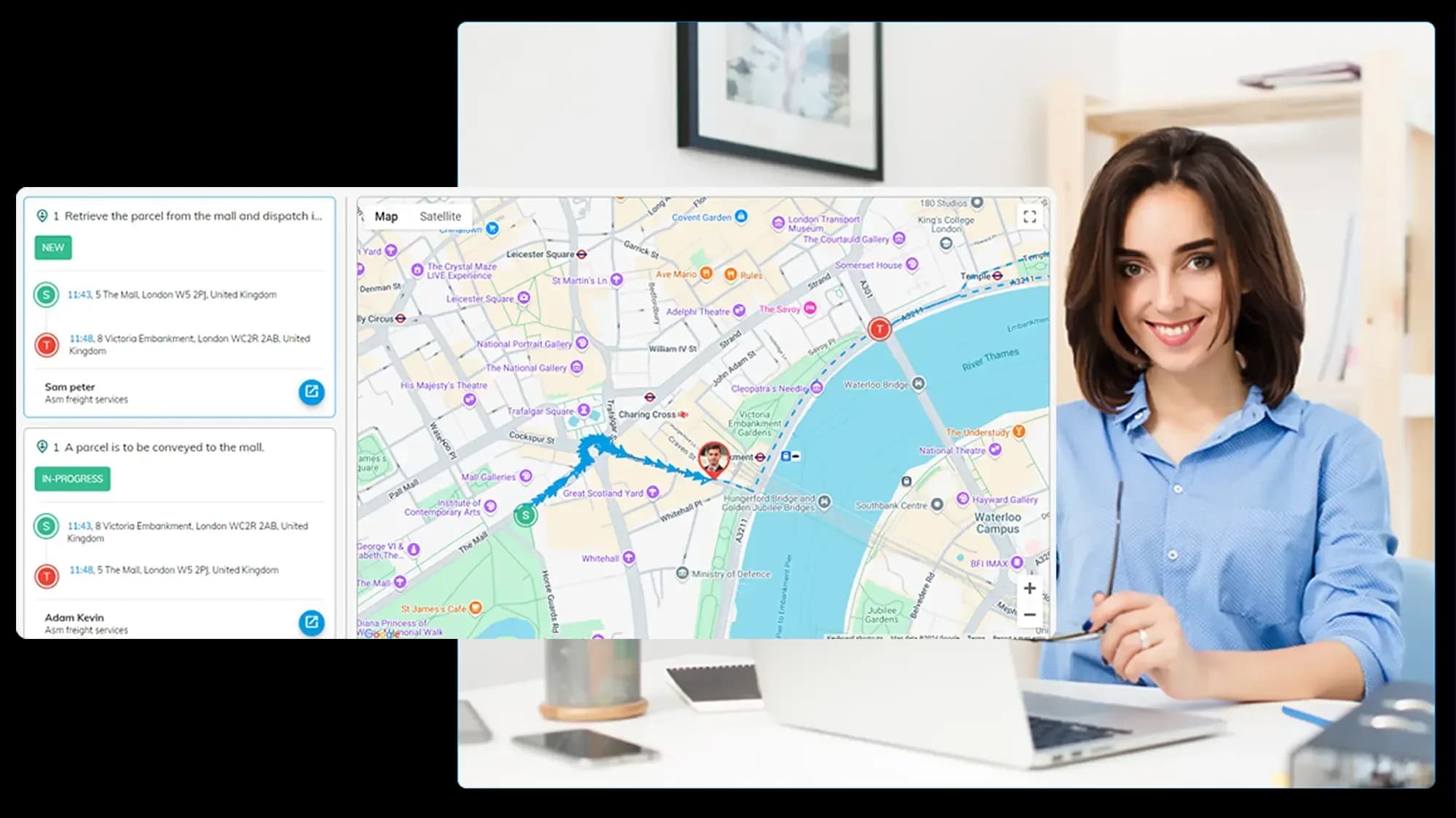
Technicians punch in from the app when they reach a site. With the GPS add-on, the check-in only counts inside the geo-fence you've drawn around it. See attendance tracking.
Field Tasks on a Timeline
Create a task for each installation or fault visit. Comments, checklist items and photos added on site are stamped with the technician's location in location tracking.
24x7 NOC Rotas
Morning, evening and night shifts on a rotation that repeats itself, with overtime worked out from punches in shift scheduling.
Kit Assigned to Each Engineer
Laptops, test phones and tools are logged with a barcode in asset management, assigned to a person and taken back when they leave.
Travel and Site Expenses
Fuel, lodging and local travel are claimed from the phone with receipts and approved in travel and expense.
Hours by Rollout Project
Engineers log time against each client and project in timesheets, with billable and non-billable hours kept apart.
Why HR Software for Telecom Has to Work in the Field
Office HR tools assume people sit at desks. Yours mostly don't.
Attendance at Sites That Change Every Week
A rollout crew might cover four towers in a week. You can draw a geo-fence for each site and add new ones as the work moves, so attendance follows the job rather than the office.
Safety Records on File
Work-at-height permits and safety training certificates sit in each technician's documents.
Fewer Missing Devices
Every asset has a barcode sticker and a history of who held it and when.
Allowances Paid Right
Project, daily and travel allowances are earning components, not month-end guesswork.
Hour Reports for Clients
Logged-hours reports by client and project export straight to Excel.
What Telecom Teams Get From OfficePortal
Four things that matter more in telecom than almost anywhere else.
Tower and fibre crews
GPS check-in inside each site's geo-fence.
Round-the-clock NOC
Rotating shifts with overtime from punches.
Company kit
Laptops, phones and tools tracked by barcode.
Project allowances
Paid through payroll with EPF, ESI, PT and TDS.

A Crew, Four Towers and One Attendance Record
Say Arjun manages a 60-person tower maintenance contract across two districts. His crews rarely see the office. They start at whichever site is on the plan, and until now attendance meant a supervisor ringing round at 9.30. In OfficePortal, each site gets a geo-fence, technicians punch in from the app when they arrive, and the team report shows who reached where, and when. Missed punches go to the supervisor as regularisation requests instead of a debate on payday.
- Geo-fence for each tower site
- GPS check-in from the app
- Early and late report by team
- Attendance regularisation
What Happened on Site, With the Location Attached
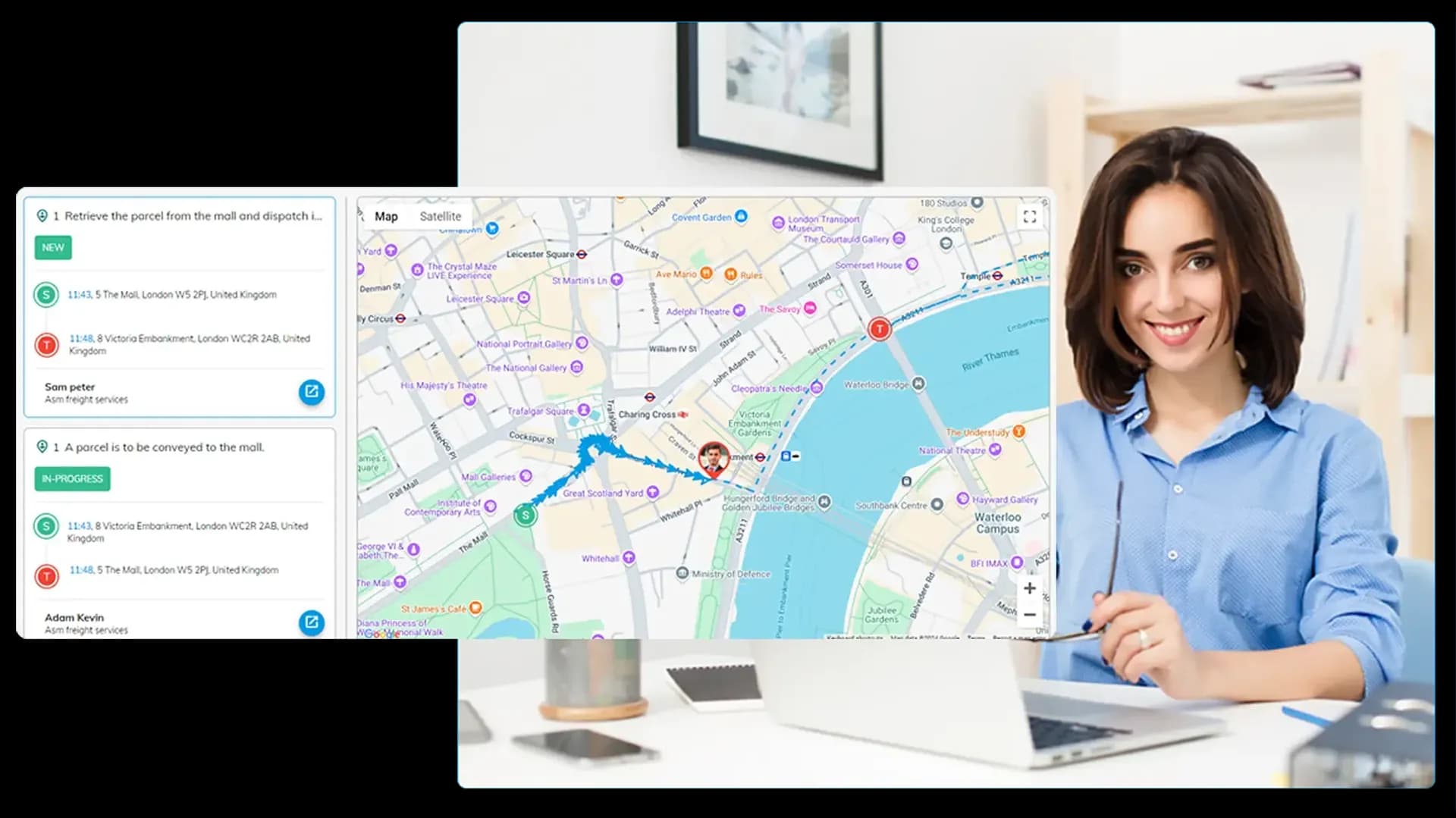
Installations and fault visits become field tasks with the customer's details and the target address. When a technician adds a comment, ticks a checklist item or uploads a photo of the finished splice, the update is stamped with where they were standing. Arjun doesn't need a phone call to know a job was done. He can just look.
- Field tasks with target addresses
- Geo-tagged comments and photos
- Checklist items on each job
- Location reports for managers

Three Shifts, Seven Days, No Spreadsheet
A NOC doesn't close, and the Diwali night shift is never anyone's first choice. Morning, evening and night shifts repeat on a cycle, so set the pattern once and OfficePortal rolls it forward. Engineers see their shifts in the app, overtime comes from real punches, and comp-off picks up the extra hours worked on a holiday.
- Recurring shift patterns
- Shifts in the mobile app
- Overtime from punches
- Comp-off for holiday work
Who Has the Splicing Machine?
Telecom kit is expensive, and it walks. Add each laptop, test phone, OTDR or splicing machine as an asset with its serial number, warranty date and a barcode sticker you print and stick on. Assign it to an engineer and the history records who held it, from when, and who handed it over. When someone resigns, you revoke the asset as part of their exit, and a quick condition check decides whether it goes back to stock or off for repair.
- Barcode sticker for every asset
- Assign and revoke with dates
- Usage history per asset
- Condition check on return

Allowances and Claims That Match Field Work
Field roles come with allowances: a project allowance for a rollout, a daily allowance when someone works away from base, telephone and travel on top. Each one is an earning component in payroll, so it lands on the payslip with EPF, ESI, professional tax and TDS sorted. Fuel and lodging go through expense claims with receipts, and the approval trail stays with every claim.
- Project and daily allowances
- EPF, ESI, PT and TDS
- Expense claims with receipts
- Approval history
Run Field Crews, the NOC and Payroll From One Place
Start free with up to five users, or book a demo to see sites, shifts and assets working together.
HR software for telecom: common questions
Pick one built for people who work at changing sites and around the clock. You want geo-fenced check-in, field task records, rotating shifts, asset tracking and payroll with field allowances. OfficePortal does all of that, and Premium is ₹60 per user a month, billed yearly.
Yes. Draw a geo-fence around each site as a box, circle or polygon, and the GPS add-on accepts check-ins inside it. You can add a fence for each site.
Yes. Each update on a field task, whether it's a comment, checklist item, document or subtask, is stamped with the technician's location at that moment.
Yes, with shift scheduling on Premium. Set morning, evening and night shifts as a recurring pattern, and overtime is calculated from punches.
With the assets module, which comes with every plan. Each item gets an asset ID and a barcode sticker, can be assigned to a person, and keeps its full usage history.
Yes. Project, daily, travelling and telephone allowances can all be set up as earning components in payroll.
If they invoice you, pay them with the contractor pay option in payroll. Their attendance can still be recorded like everyone else's.
Yes. OfficePortal uses AES-256 encryption on SOC 2 compliant infrastructure, with 99.9% uptime, and field-level permissions decide who can see salaries.
There's a free Standard plan for up to five users. Premium, with payroll, biometric attendance, shifts and performance reviews, costs ₹70 per user a month, or ₹60 if you pay yearly. Elite is ₹220, or ₹200 yearly. GPS and selfie check-in are add-ons.
Start free, or book a demo. Our team helps you set up sites, shifts and assets.