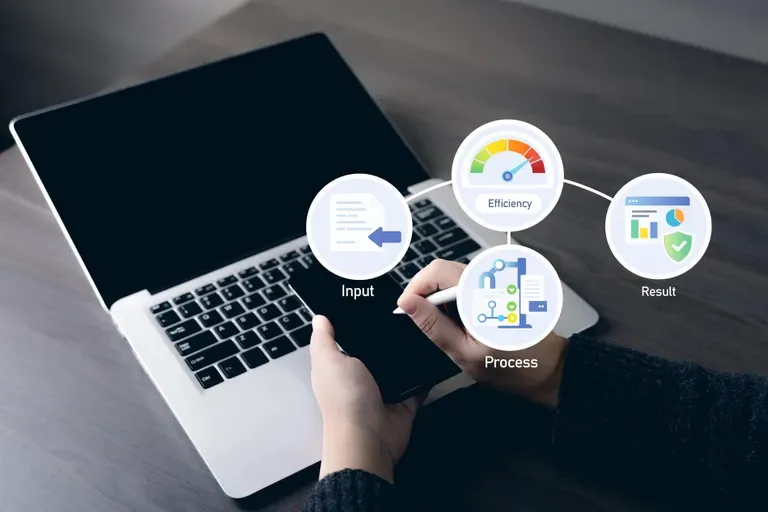
An HRMS mobile app is the phone version of a company's HR system. It lets employees mark attendance, apply for leave, download payslips, submit expense claims and read company announcements, while managers approve requests from wherever they are. For teams that aren't at a desk all day, such as sales, field service, retail and logistics, an HRMS mobile app is often the only part of the HR system they ever use. The best ones work the same on Android and iOS and sync with payroll the moment something is approved.
Consider a delivery supervisor in Kolkata with 35 riders. Before the app, leave requests arrived on WhatsApp, attendance came from a paper register at the hub, and payslip questions went to HR by phone, usually on the busiest day of the week. Two riders were docked pay in one month for days they'd been told they could take off; the message approving it was buried in a group chat. With an HRMS mobile app, each of those steps becomes a tap on a screen the rider already carries in a pocket, and the record lives somewhere payroll can see it.
What an HRMS Mobile App Does for Employees
For most employees, the app answers the same five questions they used to ask HR. Am I marked present today? How much leave do I have? Has my leave been approved? Where's my payslip? Has my expense claim been paid? Being able to answer those without a call or an email is the single biggest reason people actually use the app. Add a company feed for announcements and recognition, and it becomes the place staff check first, not last. Our guide to employee attendance apps covers the check-in side in more detail.
What an HRMS Mobile App Does for Managers and HR
Managers get approvals in their pocket: leave, timesheets, expense claims and regularisation requests, each with the context they need to decide. They can see who's in, who's off and who's late without logging into a laptop. For HR, the gain is cleaner data. Requests arrive in a standard format with a timestamp, approvals are recorded, and nothing depends on someone remembering a WhatsApp message at month end. Field teams also get rotas and shift changes on their phones; our guide to mobile workforce scheduling explains how that works.
Try OfficePortal free for 5 users
All-in-one HRMS — attendance, payroll, leave and more. No credit card needed.
Features to Check Before Choosing an HRMS Mobile App
Look beyond the screenshots. Does it work fully on both Android and iOS, or is one a cut-down version? Can attendance be restricted to a site with geofencing, and is location used only during working hours? Do approvals sync to payroll straight away, or through a nightly import? Can employees attach receipts and documents from the phone camera? Is there single sign-on for staff who already use Microsoft 365? And does the app stay quick on a mid-range phone with patchy data, which is what most field staff carry?
HRMS Mobile App Security and Privacy
An HR app holds salaries, bank details and identity documents, so security isn't optional. Check how data is encrypted, where it's hosted, what happens when a phone is lost, and how location data is used and disclosed. Tell employees clearly what the app collects and why. Trust is easier to keep than to rebuild.
Using OfficePortal's HRMS Mobile App Day to Day
OfficePortal's apps for Android and iOS sit on top of the full HR management software, so nothing on the phone is a separate system. Employees check in through attendance tracking using web check-in or QR codes, with GPS and selfie check-in available as add-ons and geofencing to tie check-ins to a site. They apply for leave, check balances and see the holiday calendar in the leave management system, and download payslips whenever they need them.
Expense claims go through travel and expense management software: employees attach receipts and invoices, travel miles are worked out with GPS and odometer checks, and the approval status is visible at every step. Managers approve leave, timesheets and claims, and complete reviews, from the same app. Data is protected with AES-256 encryption on SOC 2 compliant infrastructure, and Premium plans add Office 365 single sign-on. Delivery and transport businesses can see how it fits on our logistics HR software page.
Conclusion: An HRMS Mobile App Your Team Will Actually Use, from OfficePortal
OfficePortal's Android and iOS apps put the whole HR system in every employee's pocket. Staff check in with web or QR check-in, or with GPS and selfie check-in as add-ons inside a geofence; apply for leave and see balances and the holiday calendar; download payslips; and submit expense claims with receipts and travel miles. Managers approve leave, timesheets and claims and complete reviews from the same app, and every action syncs with payroll. Data is protected with AES-256 encryption on SOC 2 compliant infrastructure, and Premium plans add Office 365 single sign-on. OfficePortal is free for up to five users, and Premium starts from ₹60 per user per month billed yearly. Start free or book a demo to try the app with your team.

About the author
Guhan Chellachamy
Director
Guhan Chellachamy is a Director focused on both business strategy and technology, working hands-on across product and engineering. He enjoys building practical, scalable solutions that move the business forward
Connect on LinkedIn