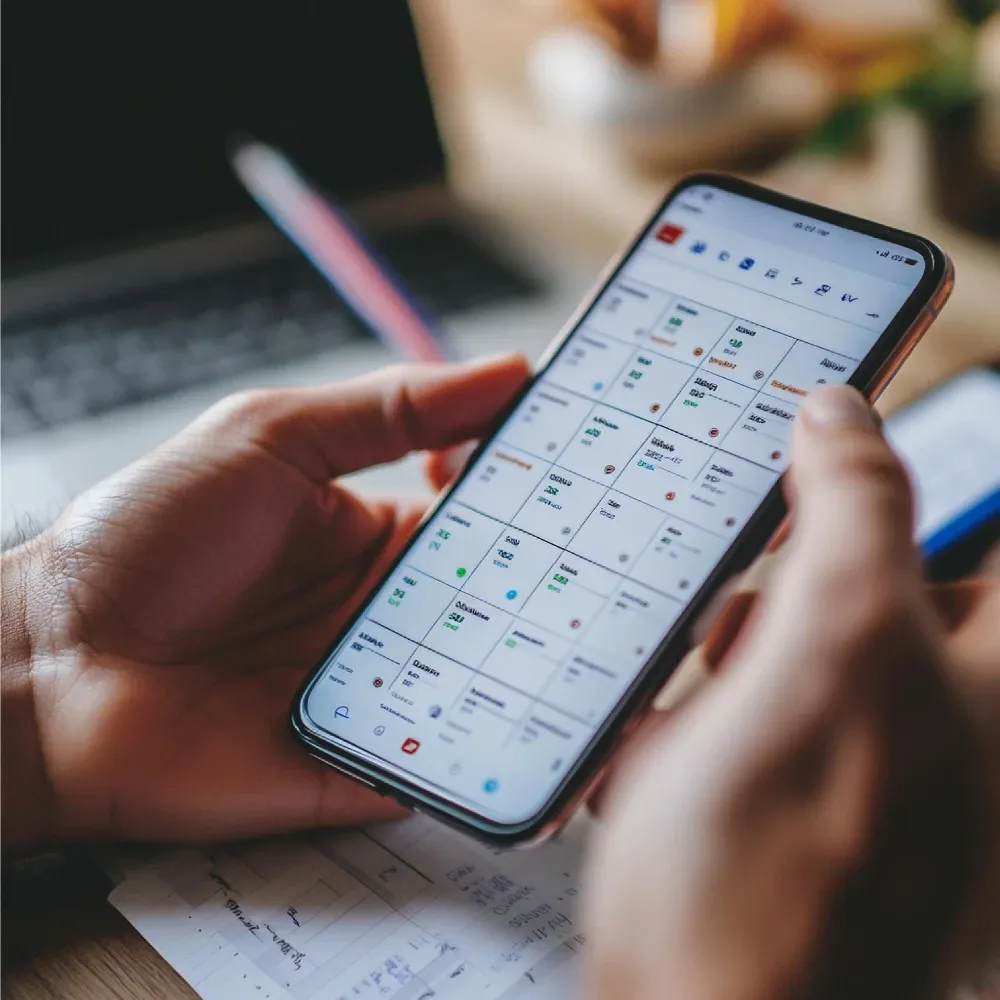
A desk-based scheduling system makes a quiet assumption: that the people using it are sitting at a computer. For a huge share of the actual workforce — caregivers, field technicians, delivery drivers, construction crews, retail associates — that assumption just doesn't hold. These are people checking a schedule between jobs, on a job site, or on their break, almost always from a phone.
Mobile workforce scheduling software is built around that reality instead of working against it. The schedule lives in an app, updates in real time, and lets people confirm shifts, request swaps, and get coverage alerts without ever touching a desktop.
Why "mobile-first" isn't just a nice-to-have
For office-based teams, a scheduling tool being mobile-friendly is a convenience. For a distributed, field-based workforce, it's closer to a requirement — the alternative isn't "use the desktop instead," it's "don't see your schedule until you happen to be near a computer."
A few things change when scheduling is genuinely built mobile-first, not just made to technically work on a phone:
Coverage gaps close faster. When someone can't make a shift, an open-shift alert pushed to every qualified, available person on their phone gets filled in minutes. A scheduler calling down a list one name at a time takes considerably longer, and the delay usually falls on whoever's covering the gap in the meantime.
Schedule changes reach people before they show up wrong. A last-minute shift swap or time change that only lives on an office whiteboard doesn't help someone already headed to a job site. A push notification does.
Field staff can self-serve. Checking hours worked, confirming a shift, or requesting time off shouldn't require a phone call to the office. A mobile app lets people handle it themselves, which frees up managers for the exceptions that actually need judgment.
Location and time data can sync automatically. For teams working across job sites or client locations, mobile clock-in tied to the schedule reduces disputes over hours and removes a manual step from payroll.
What to look for in a mobile scheduling platform
- A genuine native app, not a desktop site that happens to render on a small screen. The difference shows up in speed, notifications, and offline behavior.
- Push notifications for shift changes, not just an email that might not get checked until the shift's already started.
- Self-service swap requests with manager approval built in, rather than routing every change through a phone call.
- Real-time conflict detection — double bookings, insufficient rest between shifts, overtime thresholds — checked before a schedule is published, not after someone's already worked it.
- Attendance and payroll integration, so hours captured in the field flow directly into pay runs.
Try OfficePortal free for 5 users
All-in-one HRMS — attendance, payroll, leave and more. No credit card needed.
Scheduling software across other industries
Mobile-first scheduling matters most in industries where the workforce simply isn't at a desk, which covers more ground than it might first seem. Crew scheduling software serves field service and installation teams that move between job sites daily, where knowing your next assignment before you finish the current one is the difference between a full day of billable work and downtime waiting for instructions.
The same need shows up in construction and logistics — teams that are constantly on the move and need shift information the moment it changes, not at the end of the day when someone finally checks email. Whatever the industry, the pattern holds: workforces that aren't behind a desk need scheduling tools that meet them where they actually are, which is almost always a phone in their pocket.
Rolling it out to a field team
Mobile adoption lives or dies on how easy the app is to actually use, not on the feature list. A few things that help:
- Keep the initial setup dead simple — most field staff will judge the whole system by how painless day one is
- Turn on push notifications by default so people don't miss the first few shift changes and write the app off
- Pilot with one crew or team before rolling out company-wide, and fix onboarding friction based on what actually confuses people
- Make sure managers can see the same real-time data staff do, so the schedule doesn't become two different sources of truth
Where OfficePortal fits
OfficePortal's shift scheduling software includes a mobile app for Android and iOS built specifically for staff who aren't at a desk — shift confirmations, push notifications, and swap requests all happen from the phone. Conflict detection runs before a schedule is published, checking for double bookings, rest-period violations, and overtime thresholds automatically, and approved hours sync directly into attendance and payroll. It's free for up to 5 users with no credit card required, which makes it easy to pilot with one team before rolling it out further.
Reference Pages
Private Duty Nursing Scheduling Software Shifts Overtime & Staff
Employee Shift Scheduling Software
Computer Employee Monitoring Software for Employees: The 2026 Guide
Employee Management Software: Features, Benefits & How to Choose
The Complete Guide to Healthcare Scheduling Software for Private Duty Nursing

About the author
Kasi Rajan C
Senior SEO Analyst
Kasi Rajan is a Senior SEO Analyst specializing in SEO, AEO, GEO, content strategy, and digital marketing. He shares practical insights to help businesses improve search visibility, strengthen online presence, and drive organic growth.
Connect on LinkedIn

