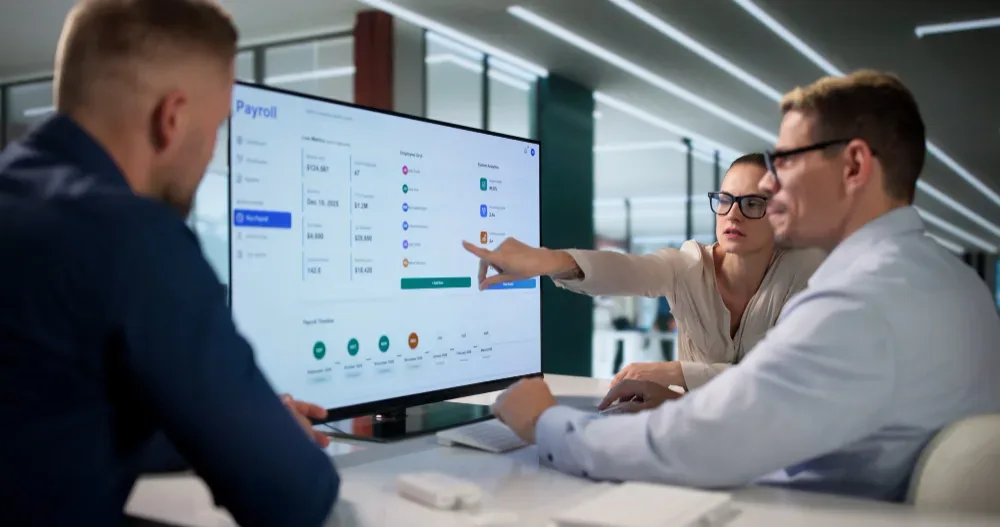
For a long time, "time and attendance cloud software" meant a physical punch clock bolted to a wall near the entrance, feeding data into a server sitting in a back office somewhere that only IT could touch. That model still exists, but it's increasingly the exception rather than the default — most businesses now run time and attendance through cloud software instead, accessible from any device, with no server to maintain on-site.
This guide covers what time and attendance cloud software actually is, how it differs from the on-premise systems it's replacing, and what to look for if you're evaluating one.
What time and attendance cloud software actually does
At its core, it's software that records when employees start and stop work, tracks attendance against scheduled hours, and makes that data available in real time — all hosted remotely rather than on a server your company owns and maintains.
That covers a few distinct functions that often live together in one platform:
- Clock-in/clock-out tracking, through web check-in, mobile app, or biometric hardware connected to the cloud system
- Attendance monitoring, flagging late arrivals, early departures, or absences against expected schedules
- Leave and time-off integration, so an approved leave request automatically reflects in attendance records without manual updating
- Reporting, generated on demand rather than compiled from local data exports
Cloud-based vs. on-premise: what actually changes
The distinction sounds technical, but it has real practical consequences for how a business operates day to day.
No local server to maintain. On-premise systems need hardware, IT support, and manual updates. Cloud software runs on the vendor's infrastructure, which removes that overhead entirely — a meaningful difference for businesses without a dedicated IT team.
Access from anywhere. A manager checking attendance from home, or a remote employee clocking in from a different city, works exactly the same as if they were in the office. On-premise systems are often tied to a physical location or internal network.
Updates happen automatically. New features and fixes roll out on the vendor's schedule without anyone needing to install anything locally.
Data lives off-site, which cuts both ways. It removes the risk of losing everything to a local hardware failure, but it does mean trusting a vendor's security practices — worth verifying directly rather than assuming.
Try OfficePortal free for 5 users
All-in-one HRMS — attendance, payroll, leave and more. No credit card needed.
Why this matters more for distributed teams
The case for cloud-based time and attendance gets stronger the more distributed a workforce is. A single-location business with everyone clocking in at the same door can get by with a local system for a long time. A business with remote staff, multiple office locations, or field teams working from client sites generally can't — there's no single physical point where attendance can be captured centrally, so the system has to work the same way regardless of where someone actually is.
Attendance and time tracking terms worth knowing
A handful of related terms show up constantly in this space, and it's worth knowing what each one actually refers to. Employee attendance tracking is the narrower piece — recording presence, absence, and punctuality — while time and attendance software typically bundles that together with actual hours worked and scheduling. Attendance management software is often used interchangeably with both, though it can lean more toward the policy side — managing attendance points, patterns, and disciplinary thresholds rather than just the raw clock-in data.
None of these terms are strictly standardized across vendors, so when comparing platforms, it's more useful to ask what specific features are included than to rely on the category label alone.
What to check before choosing a platform
- How is attendance actually captured? Web check-in, mobile GPS, biometric hardware — the right method depends on whether your team is in one location or distributed.
- Does it connect to leave management, so approved time off reflects automatically instead of showing up as an unexplained absence?
- Does it feed into payroll directly, or does someone still export and re-enter the data?
- What's the uptime and reliability track record? A cloud system that's down during a busy period is a real operational problem, not just an inconvenience.
- What security practices does the vendor follow, particularly around where data is stored and who can access it?
Where OfficePortal fits
OfficePortal runs entirely in the cloud, with attendance data that connects directly to timesheets, leave, and payroll — so a gap between someone being marked present and actually submitting logged hours surfaces automatically instead of requiring a manual check. It supports web check-in and mobile access for distributed and remote teams, with no local server or IT overhead required. The timesheet and attendance platform is free for up to 5 users, which makes it a low-friction way to test a full move to the cloud before committing further.
Conclusion
The shift to cloud-based time and attendance isn't really about novelty — it's about removing the physical constraints that made sense when everyone clocked in at the same door and stopped making sense the moment a team became distributed at all. No server to maintain, no location dependency, data available the moment it's needed rather than after someone exports it.
Explore OfficePortal's cloud-based timesheet and attendance software →
Reference pages
How Cloud-Based HRMS and Payroll Software
Cloud-Based Scheduling Software: Benefits for Modern Care Teams
From Spreadsheets to Software: The Complete Guide to Employee Timesheets
Free Attendance Tracking Software for Small Business (2026)
The Complete Guide to Healthcare Scheduling Software for Private Duty Nursing

About the author
Kasi Rajan C
Senior SEO Analyst
Kasi Rajan is a Senior SEO Analyst specializing in SEO, AEO, GEO, content strategy, and digital marketing. He shares practical insights to help businesses improve search visibility, strengthen online presence, and drive organic growth.
Connect on LinkedIn

