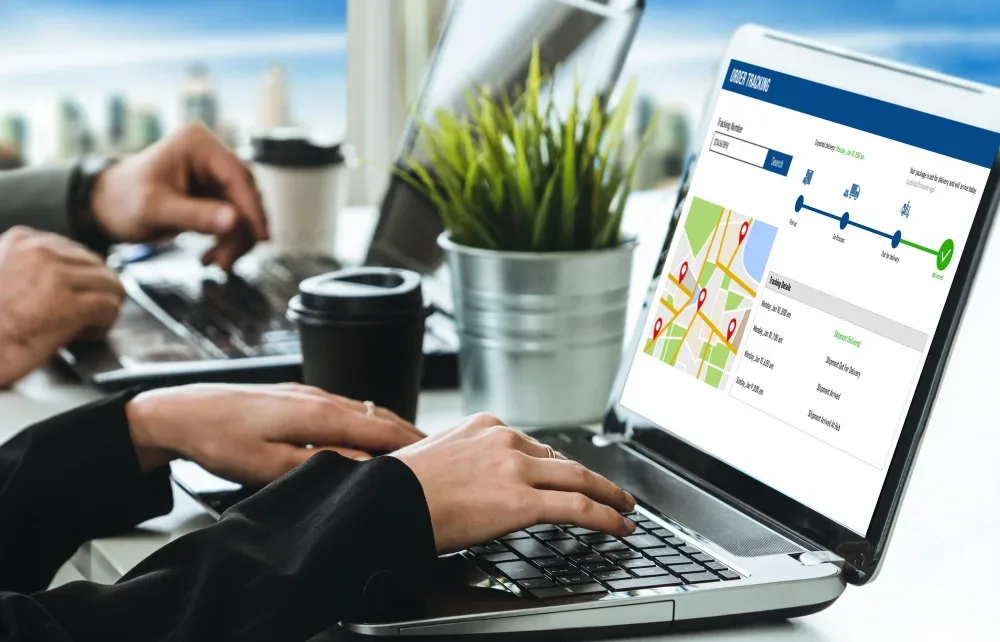
Field staff spend their entire workday somewhere other than an office, which means the two things a manager most needs to know — is the work getting done, and is everyone safe — aren't visible by default the way they would be in a shared workspace. An Employee Location Tracker closes that gap, and while productivity usually gets the spotlight, the safety angle deserves equal attention, especially for teams working alone, at odd hours, or in unfamiliar locations.
This post covers both sides: how location tracking actually improves field productivity in practice, and the safety case that's easy to overlook until it matters.
The productivity case : Employee Location Tracker
Less time lost to coordination. Without a tracker, a manager assigning a new job has to figure out who's closest, who's free, and who's already mid-task — usually by calling around. With live location data, that becomes a quick check of a map instead of a round of phone calls.
Faster response to schedule changes. If a client cancels or a higher-priority job comes in, knowing exactly where each field employee is means the closest available person can be redirected immediately, instead of the job going to whoever happens to answer the phone first.
Accountability without micromanagement. When location and task completion are tied together automatically, a manager doesn't need to ask for a status update — the data speaks for itself, and coaching conversations can focus on the work itself rather than confirming basic facts about where someone was.
Better long-term planning. Movement and activity data over time reveal real patterns — which territories get the most coverage, where field staff spend disproportionate time traveling versus working — that are nearly impossible to see clearly without a systematic record.
The safety case : Employee Location Tracker
This side gets less attention, but it matters just as much, particularly for lone workers, night-shift field staff, or anyone visiting unfamiliar locations.
Faster response if something goes wrong. If a field employee doesn't check in as expected, or an incident occurs, knowing their last recorded location makes it possible to respond quickly rather than starting from scratch.
A record for high-risk visits. For roles that involve visiting unfamiliar addresses or working alone, having a location trail creates a layer of accountability and traceability that benefits both the employee and the organization.
Reduced isolation for lone workers. Even passive location visibility — a manager or dispatcher who can see where someone is without needing to interrupt them — provides a safety net that a fully "off the grid" field role doesn't have.
Try OfficePortal free for 5 users
All-in-one HRMS — attendance, payroll, leave and more. No credit card needed.
Real-time tracking and movement data, explained : Employee Location Tracker
Two terms worth understanding clearly here. Real-time employee tracking refers specifically to location data that updates continuously or at short intervals, as opposed to a system that only logs a location once at the start and end of a shift. The difference matters a lot for the safety use case in particular — a location that's four hours stale isn't much help if something's gone wrong in the meantime.
Employee movement tracking is the broader pattern of data collected over time — not just where someone is right now, but the path of where they've been across a shift, a week, or a project. This is the data set that reveals coverage gaps, travel-time inefficiencies, and patterns a single location snapshot can't show on its own.
What to look for in an Employee Location Tracker
- True real-time updates, not periodic pings with long gaps between them
- Location tied to actual task activity, so the data means something beyond a dot on a map
- A reliable mobile app that doesn't drain battery excessively or require constant manual refreshing
- Historical movement reports, for spotting patterns over time, not just live status
- Clear policies on what's tracked and when, so employees understand the system rather than feeling surveilled
Where OfficePortal fits
OfficePortal's location tracking software captures live GPS movement and ties it directly to field task activity — every checklist update, comment, or completed task automatically records where and when it happened. Managers get a real-time, map-based view of the entire field team, along with movement history for spotting patterns over time. It's free for up to 5 users, with no credit card required.
Conclusion
An employee location tracker earns its place on both counts — it removes the coordination overhead that eats into a field team's productive time, and it provides a real safety net for employees working alone or in unfamiliar places. The two benefits reinforce each other: a system built for accurate, real-time visibility serves productivity and safety at the same time, not one at the expense of the other.
Start free with OfficePortal →
Reference Links
Smallest GPS Tracker for Employees: A Complete Guide to Employee Location Tracking
Employee Performance: How to Measure, Track & Improve It
How Location Tracking Software Helps Businesses Monitor Employee Locations
Top Employee Benefits That Actually Improve Retention and Engagement
Computer Employee Monitoring Software for Employees: The 2026 Guide

About the author
Kasi Rajan C
Senior SEO Analyst
Kasi Rajan is a Senior SEO Analyst specializing in SEO, AEO, GEO, content strategy, and digital marketing. He shares practical insights to help businesses improve search visibility, strengthen online presence, and drive organic growth.
Connect on LinkedIn

