For a visual walkthrough, watch our tutorial video below.
How to add an Asset Image in the OfficePortal?
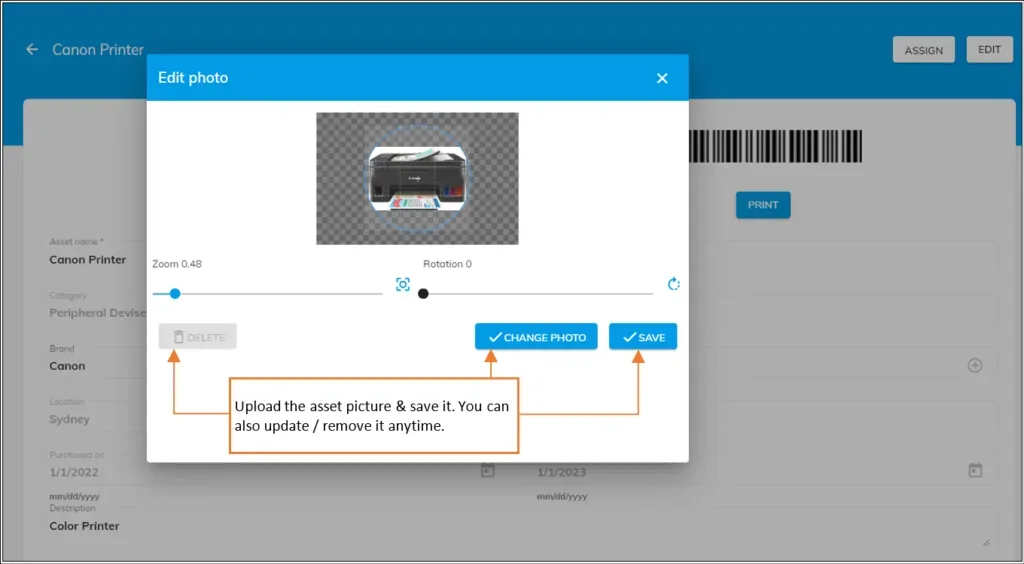
- Click on the image icon; the “Edit photo” dialog box will appear.
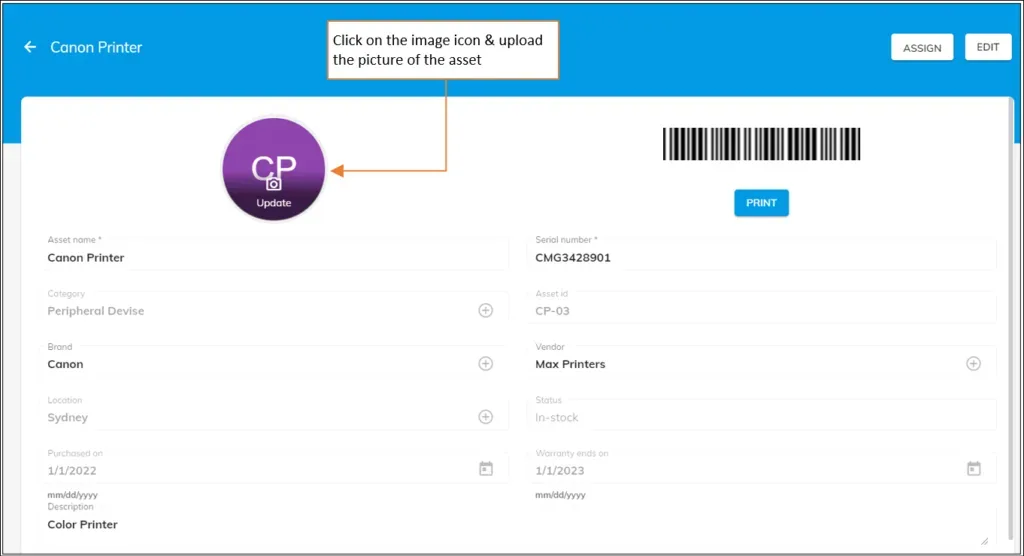
- Click on the “Add Photo” button & choose any picture from your computer.
- Hit “Save” to add the picture of the asset.
Note: You can also modify or remove the picture of the asset anytime by clicking on the “Change Photo” or “Delete” button on the “Edit photo” dialog box