What is an Expense Category?
An expense category is a classification label used to organize and track different types of employee expenses within the payroll system. It helps businesses group similar expenditures together such as travel, food, accommodation, or fuel allowances — making it easier to monitor spending, generate accurate reports, and process reimbursements efficiently.
For example, expenses like fuel reimbursements can be grouped under a category called “Petrol Allowance”, while hotel bookings during business trips can fall under “Accommodation”.
Having well-defined expense categories ensures:
- Clarity in payroll processing
- Consistency in how expenses are recorded across the organization
- Easier auditing and financial reporting
Navigating to Expense Categories
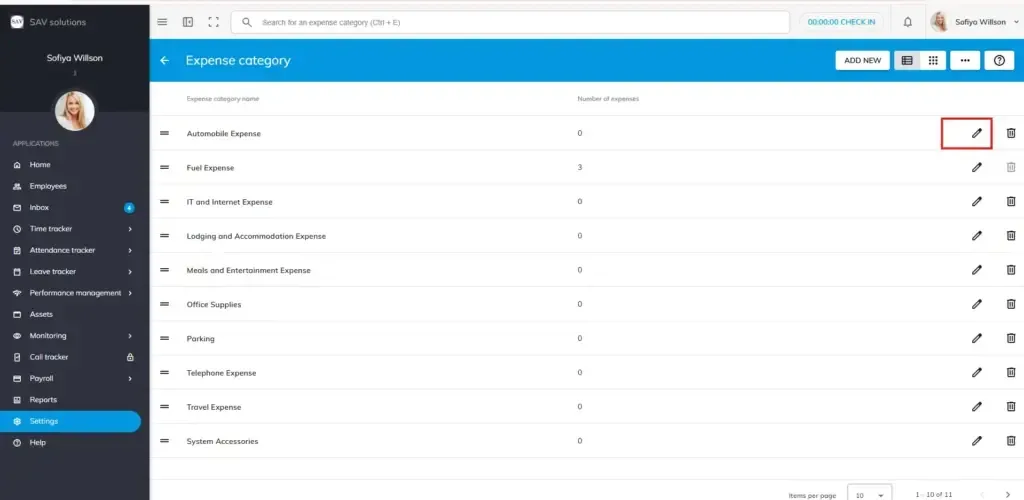
Go to Settings → Payroll Settings → Expense Category
Adding a New Expense Category
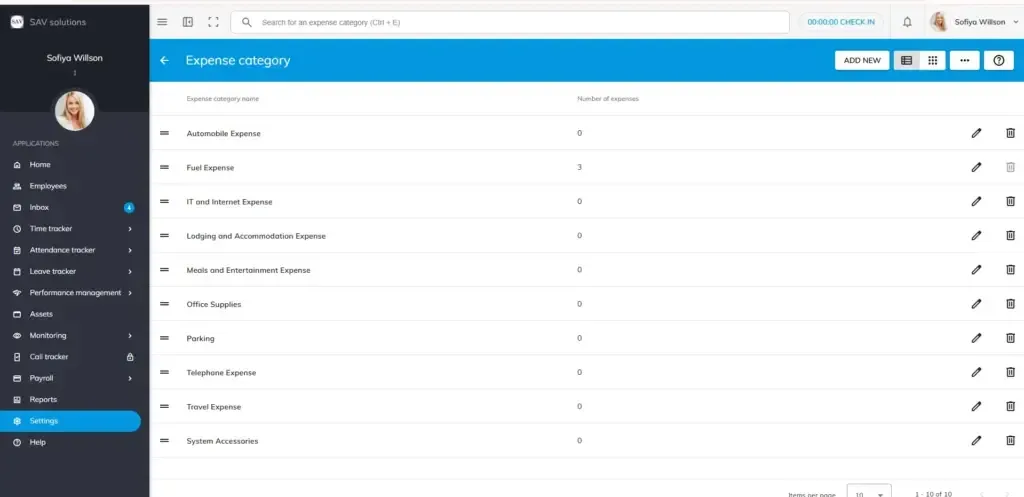
- Click the Add New button.
- A field labelled Expense Category Name will appear.
Please note: In the number of expenses section, you can view number of expenses occurred for this expense category.
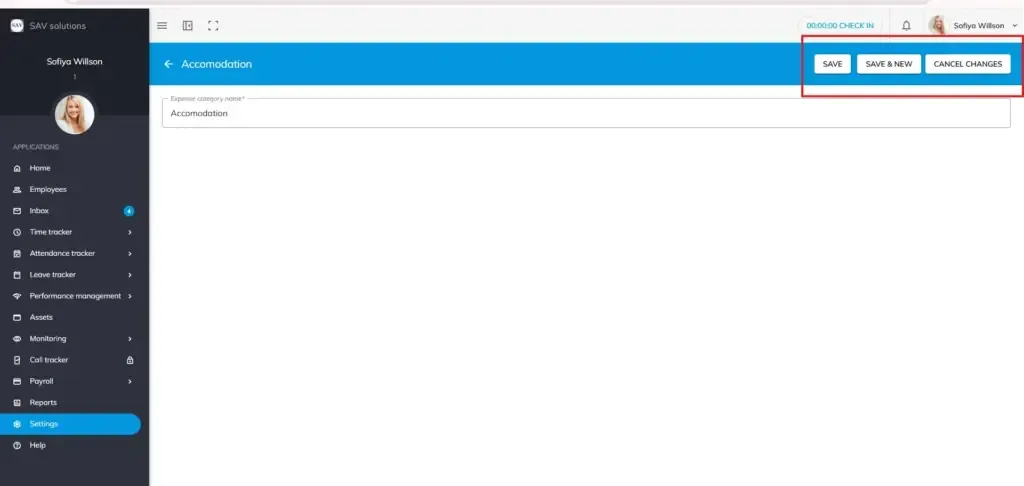
Save – Saves the expense category and closes the form.
Save & New – Saves the current category and opens a fresh form to add another.
Cancel Changes– Discards the entry without saving.
How to edit an Expense Category?
To modify an existing category, click the Edit button (pen icon) next to the category you want to update.
Deleting an Expense Category
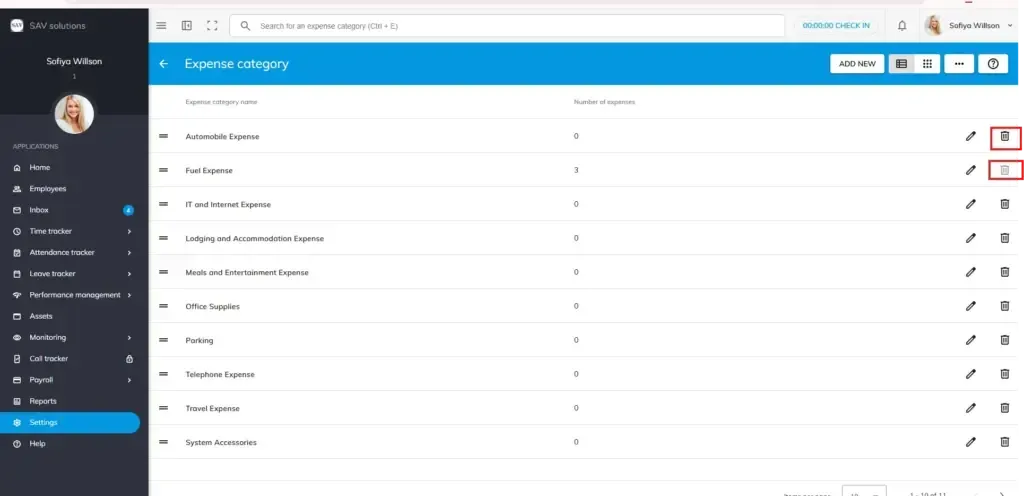
To remove a category, click the Delete button next to it.
Important: If an expense category is already in use within payroll, it cannot be deleted. You will need to remove it from payroll records first before deletion is possible.