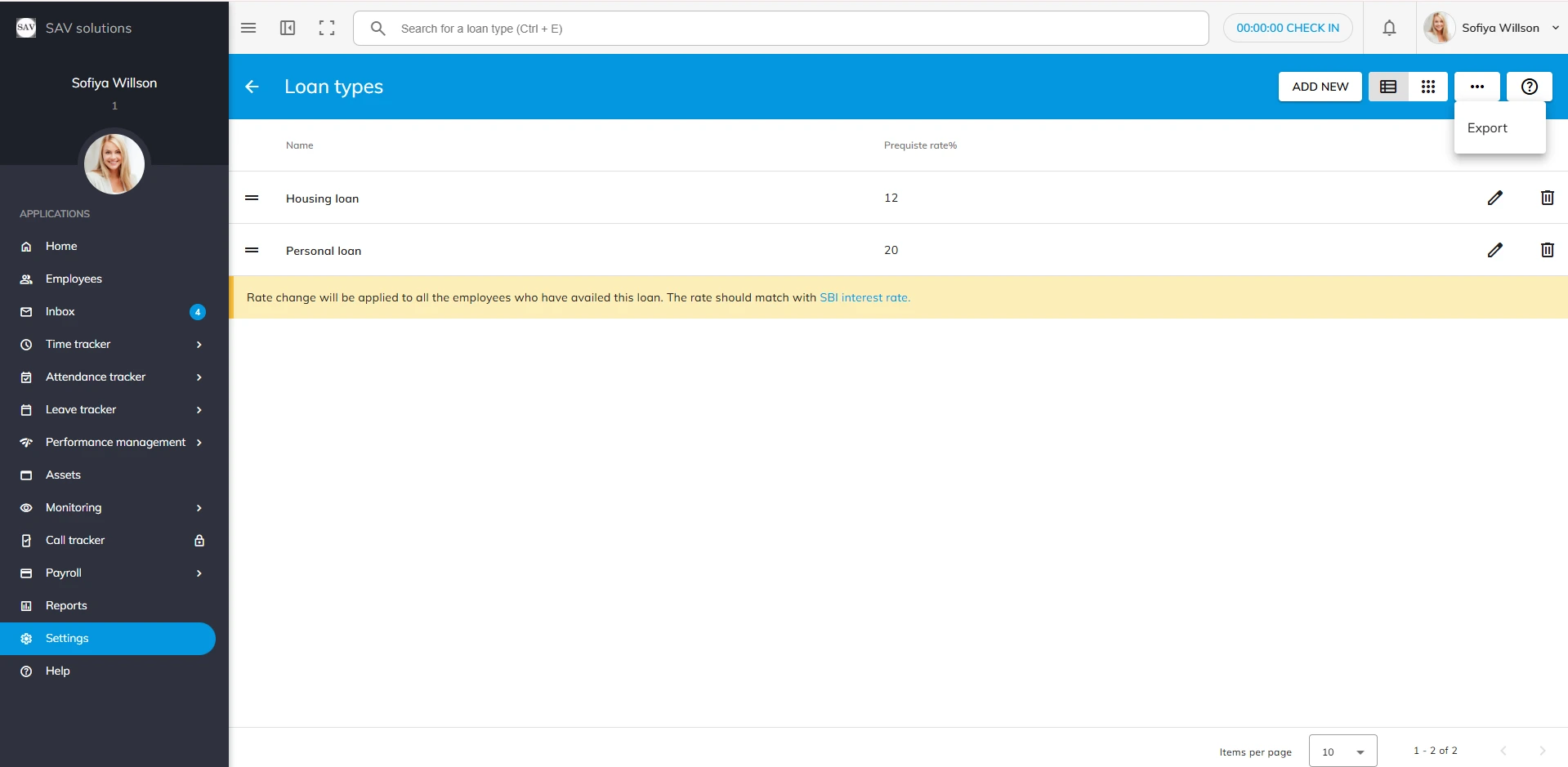
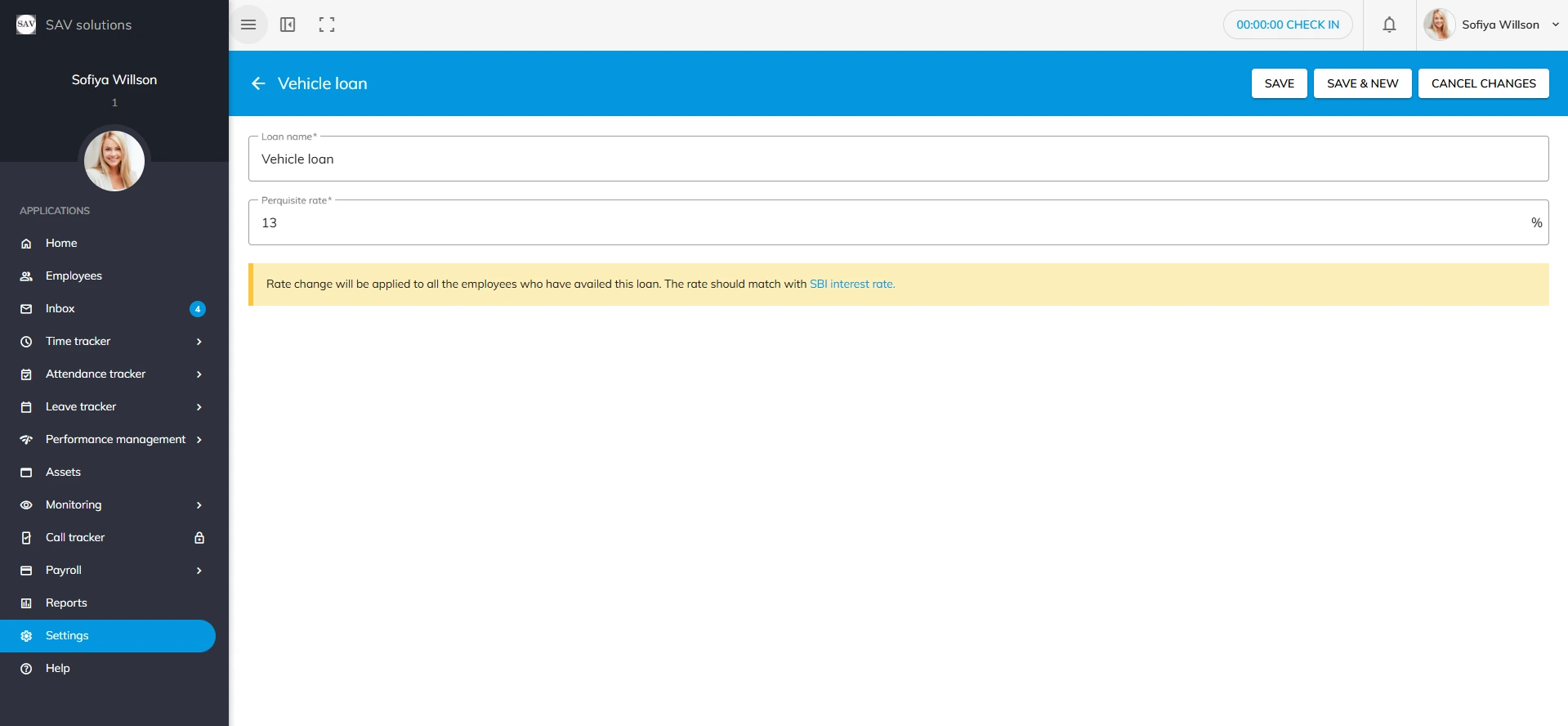
In the Loan type settings, you can add new loan types for the organization.
Go to Payroll settings > Pay Fields > Loan types. Here you can see the loan types with perquisite rate that you added previously. You can have a List view or card view of Loan types here.
You will also have an Export option to export leave types that you have added in the officeportal.
We use third-party services to give you the best user experience and to continuously improve it, however we will not sell your data to any one. These services use cookies. In order to be able to use these services, we need your consent first. I agree and can revoke or change my consent at any time with effect for the future.